Now through October 31, we're waiving application fees for all domestic freshman and transfer applicants!
*Common app code: Central27
Hiring Your First Student Employee
Step 1: Post your job in Career Central
All student employment opportunities must be posted in Career Central. Log in to the employer portal at cmich.12twenty.com/hire and select Post a Student Employment Job. Under Industry and Job Function, choose Student Employment so the posting routes correctly to Student Employment Services for approval.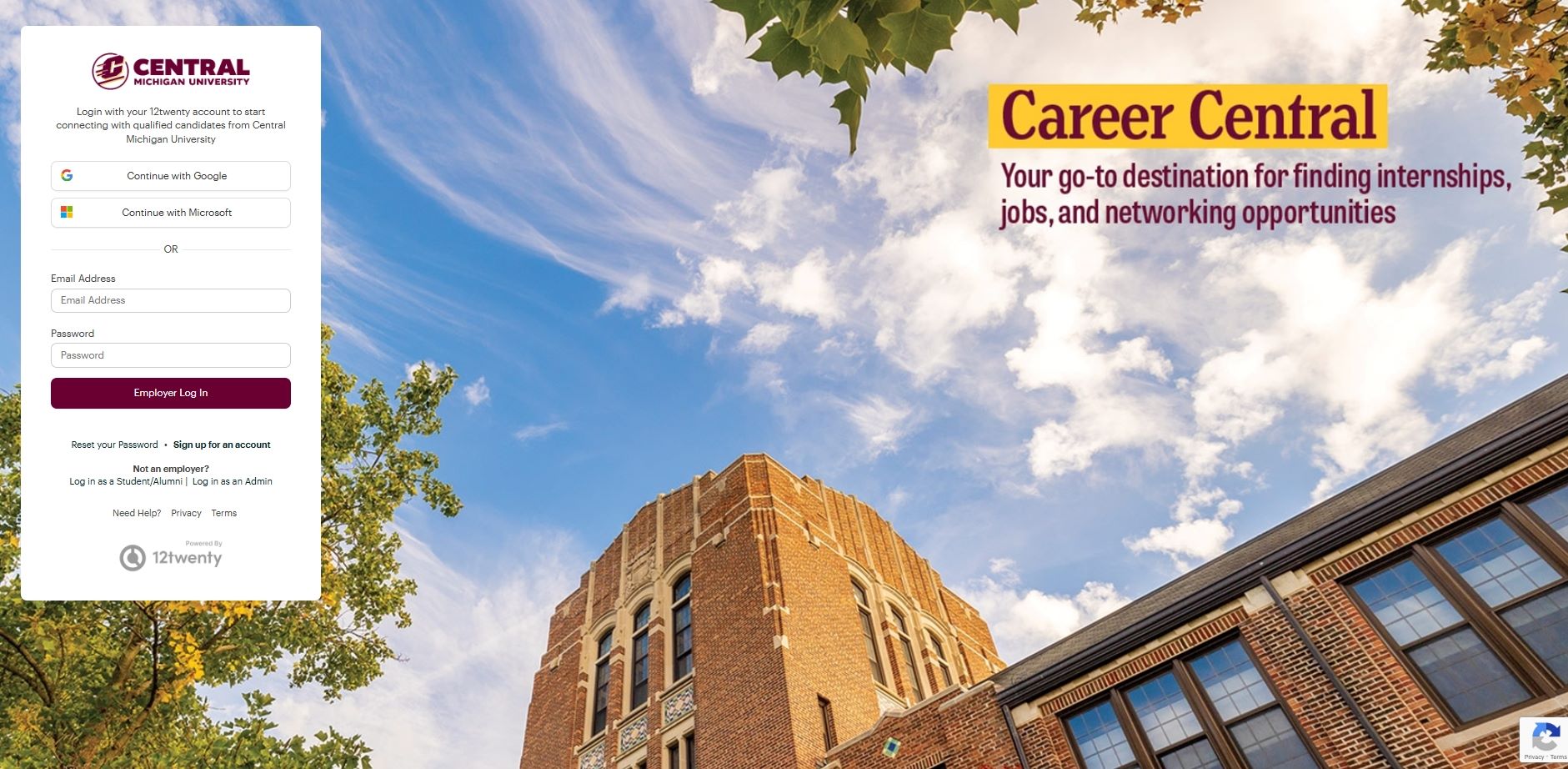
Step 2: Review applicants and make your hiring decision
Departments may review applications, conduct interviews, and select candidates according to their departmental process. Career Central allows you to view applicant materials and track hiring decisions in one place. Student Employment Services is available if guidance or resources would be helpful.
Step 3: Complete the hire in Personnel Transactions
To complete the administrative process, submit the appropriate Hire Form in Personnel Transactions. Log in to cmich.edu, navigate to My Work Day, and select Personnel Transactions.
View step-by-step instructions for completing the Hire Form:
Personnel Transactions Hire Form Instructions
If you do not have access to Hire Forms, please email ses@cmich.edu and we will assist with access.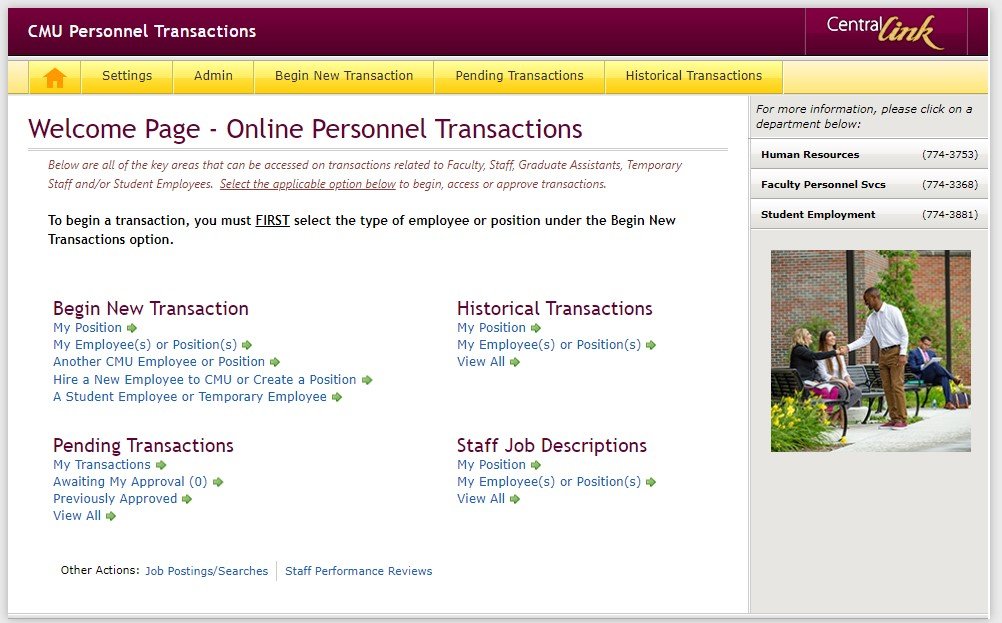
Step 4: Follow the student wage scale
Student wages must align with the established pay scale. Any wage above $14.00 per hour requires Senior Management approval.