Now through October 31, we're waiving application fees for all freshman and transfer applicants!
*Common app code: Central27
Image Pullquote
For use in the main content area or in the full-width area above the footer.
The Image Pullquote widget can be used to show off an important or inspiring quote on your page, highlighted with an image overlaid with a maroon color design.
Image Pullquote examples
Without image:
Fire Up Chips!
With image
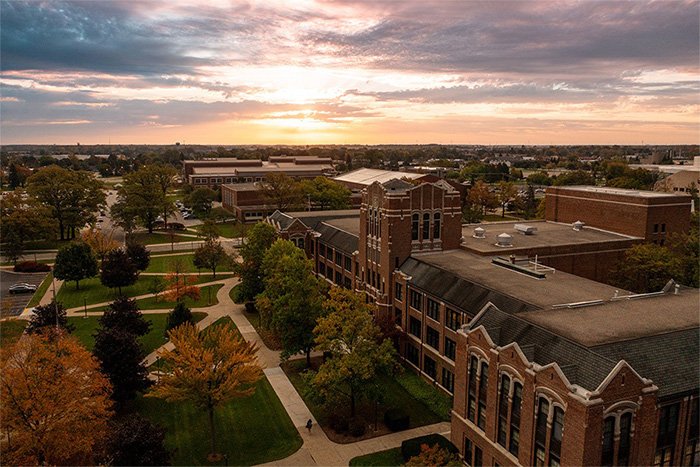
Fire Up Chips!
Visual demo
Widget standards
- A layout is NOT needed for this widget.
- This widget must be in a section
Do:
- Use dimensions:
- Desktop Image Size: 700x467 - Ratio: 3:2.
- Desktop Image Size: 700x467 - Ratio: 3:2.
Do NOT:
- Stack Image Pullquote widgets on top of each other.
Written instructions
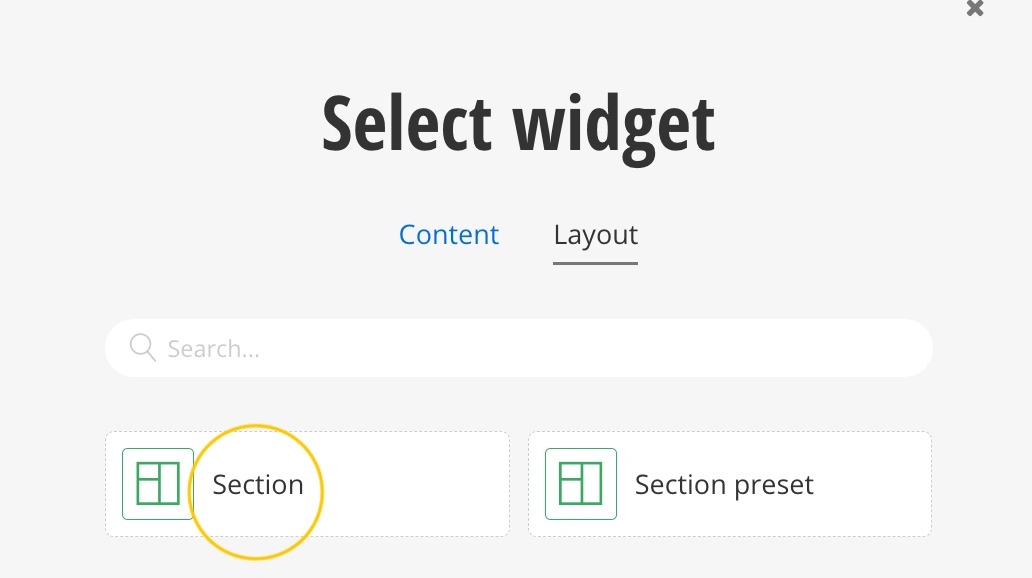
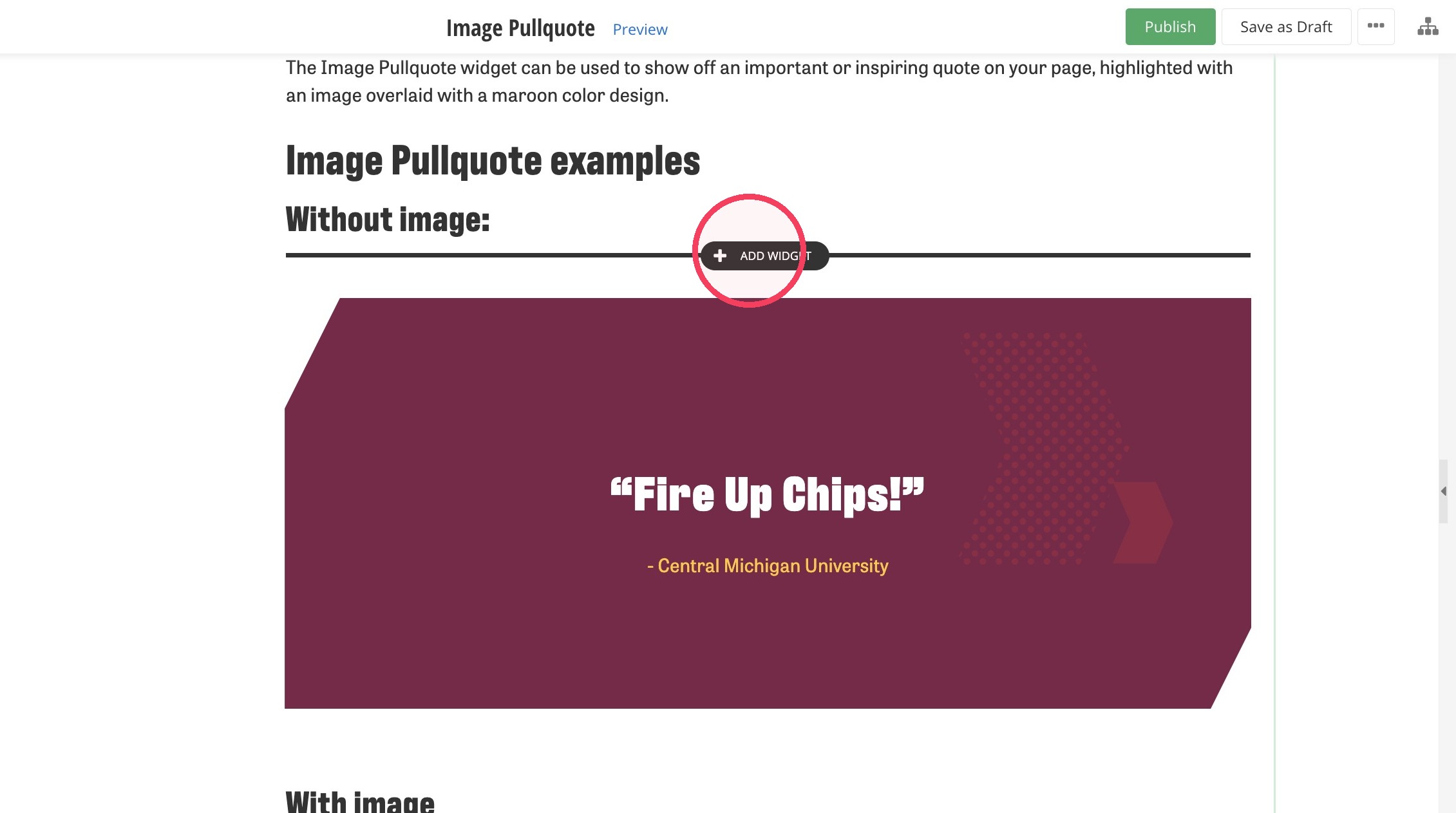
2. Click on + Add Widget.
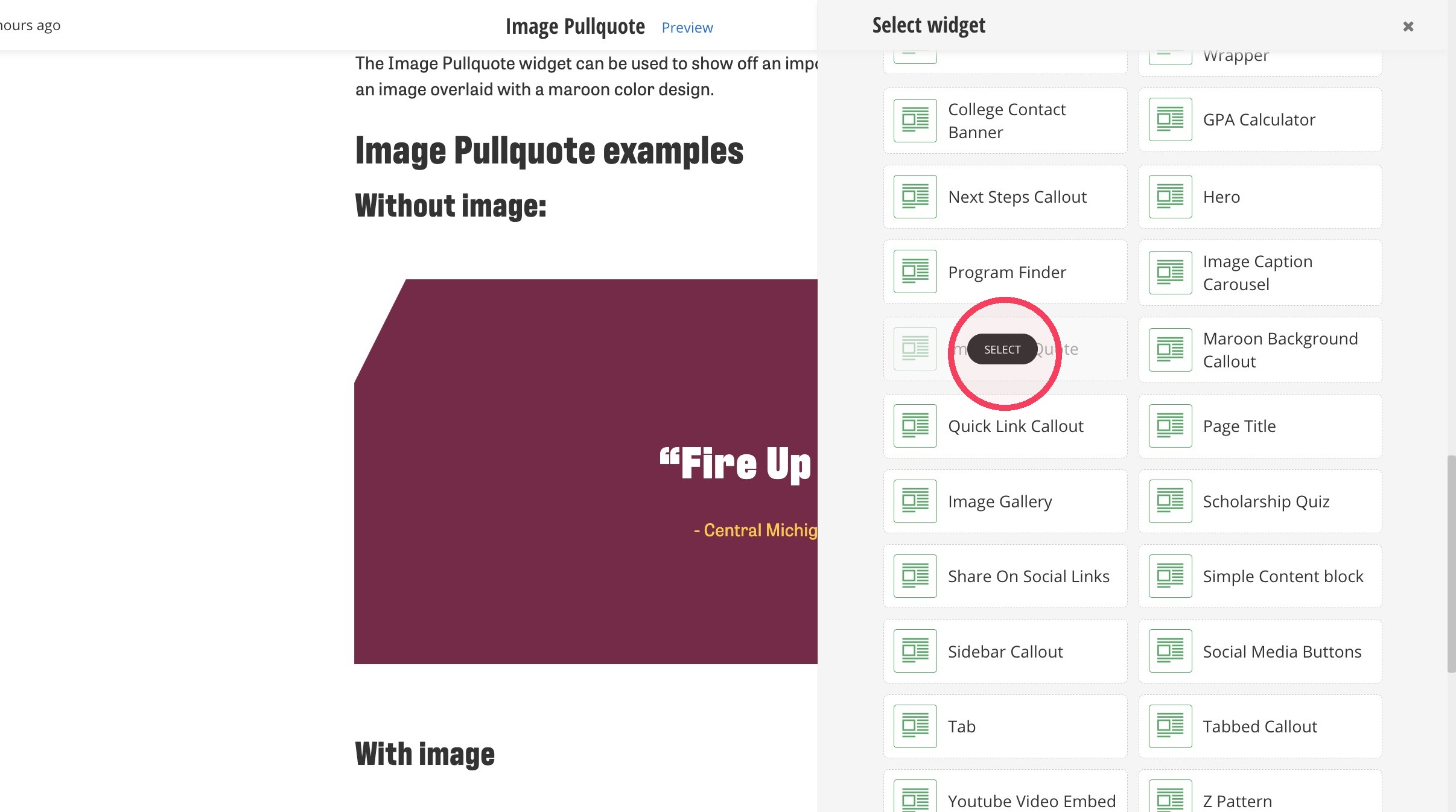
3. Find the Image Pullquote and Select to add the widget to your page.
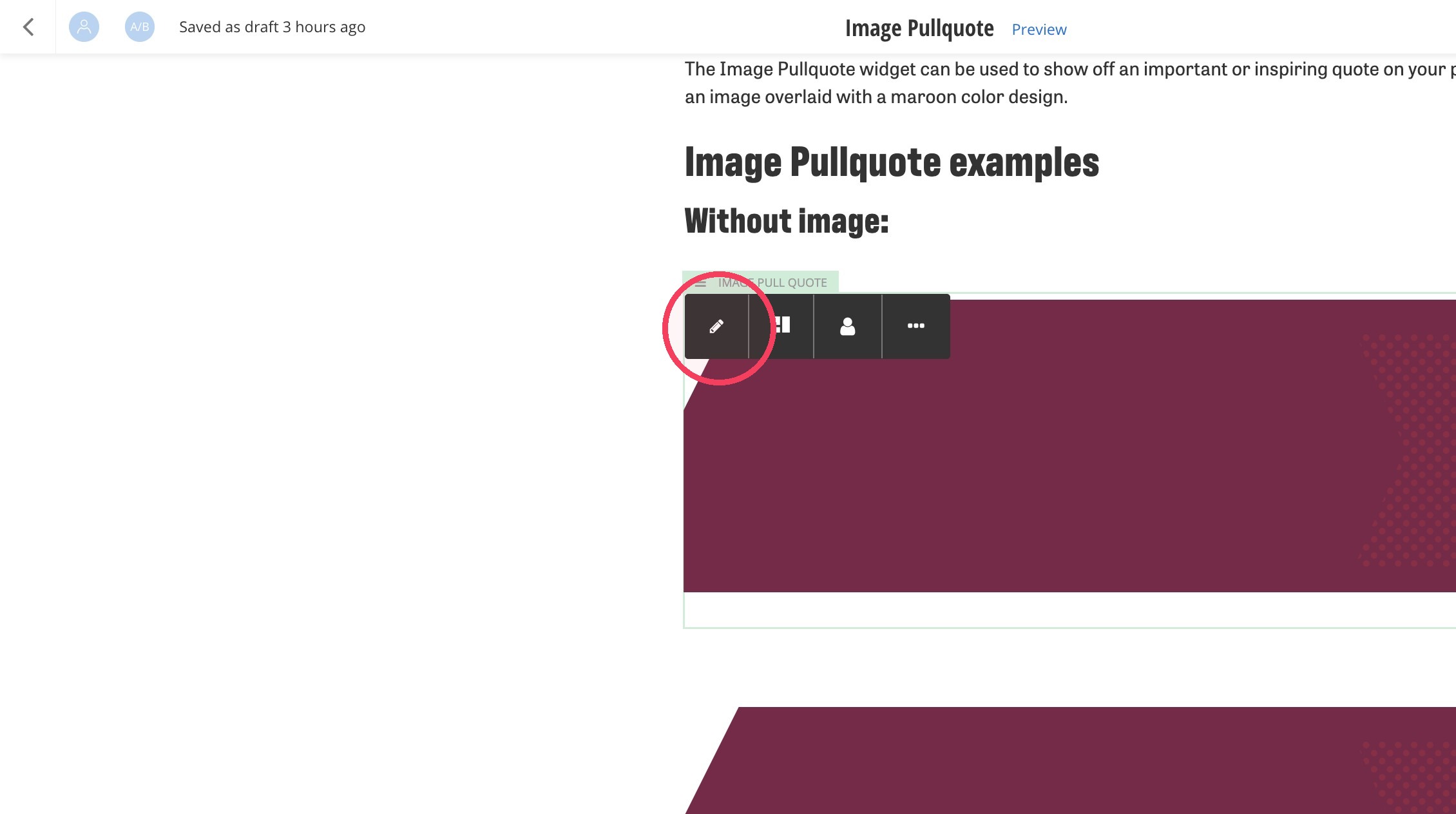
4. Click on the widget you just added to your page. Select the pencil icon to edit the widget.
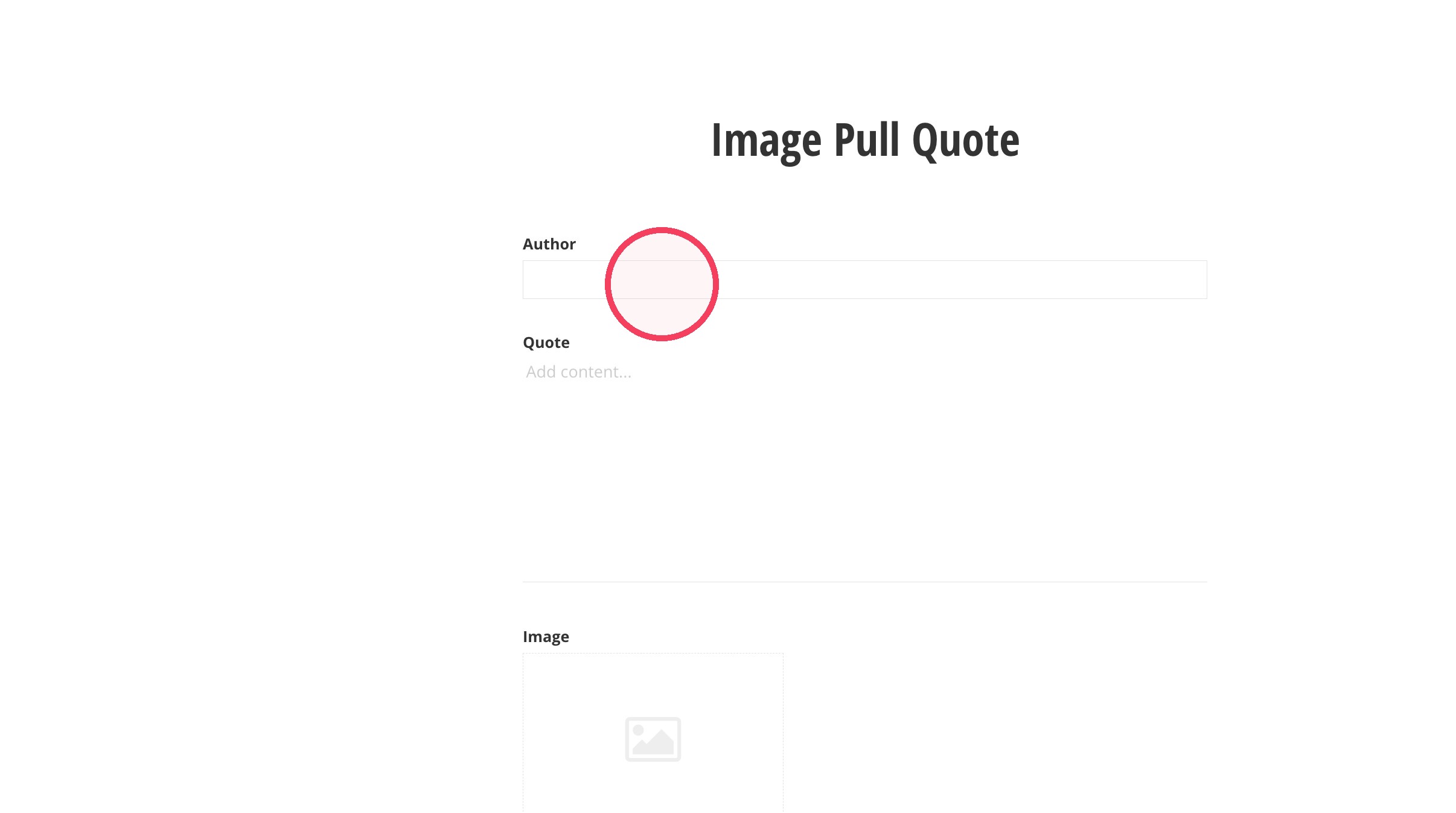
5. Click the Author field and enter the name of the author.
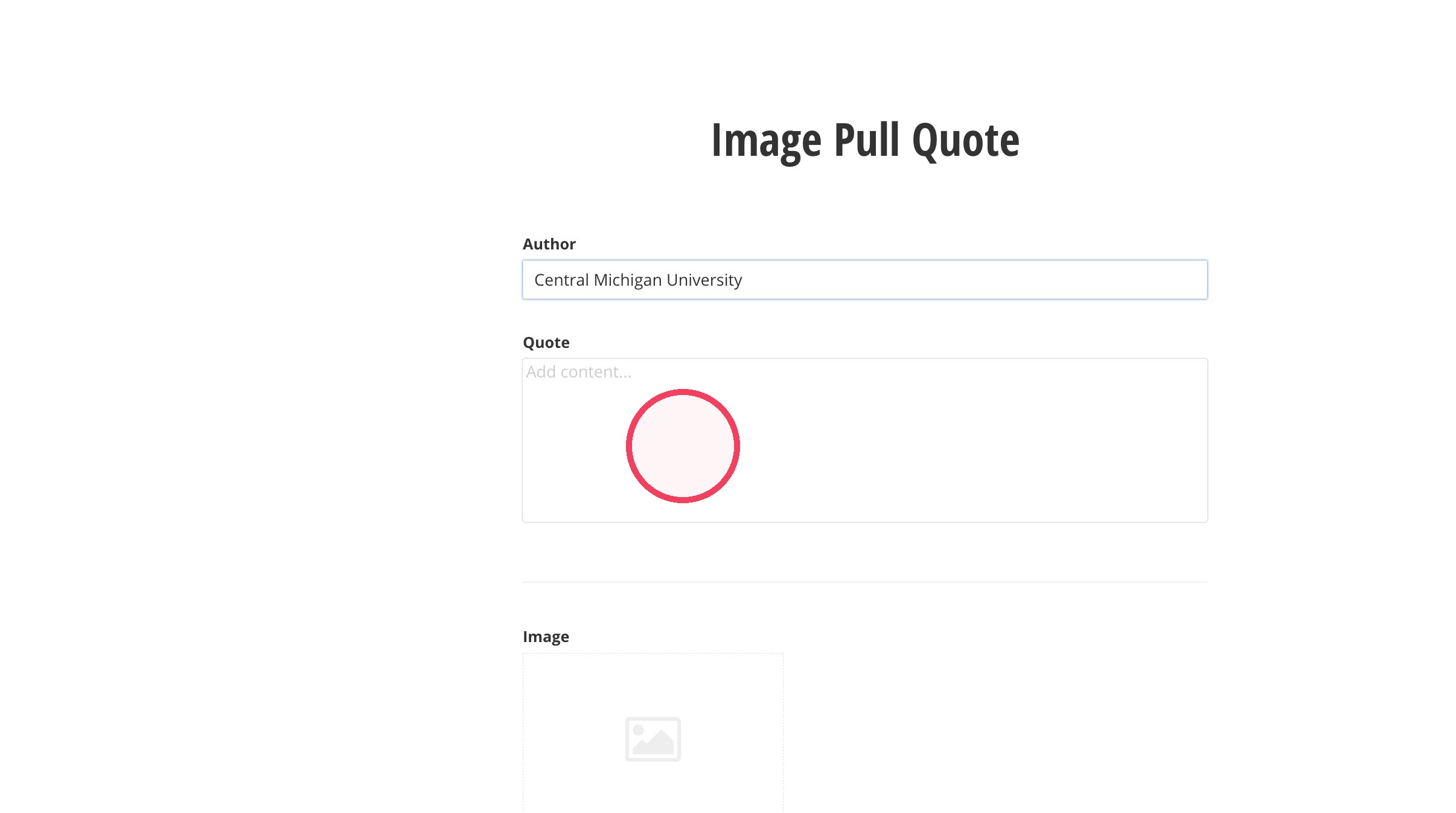
6. Click on the Quote field and type in the quote. Note: You do not need to add quotation marks, the system will add them automatically.
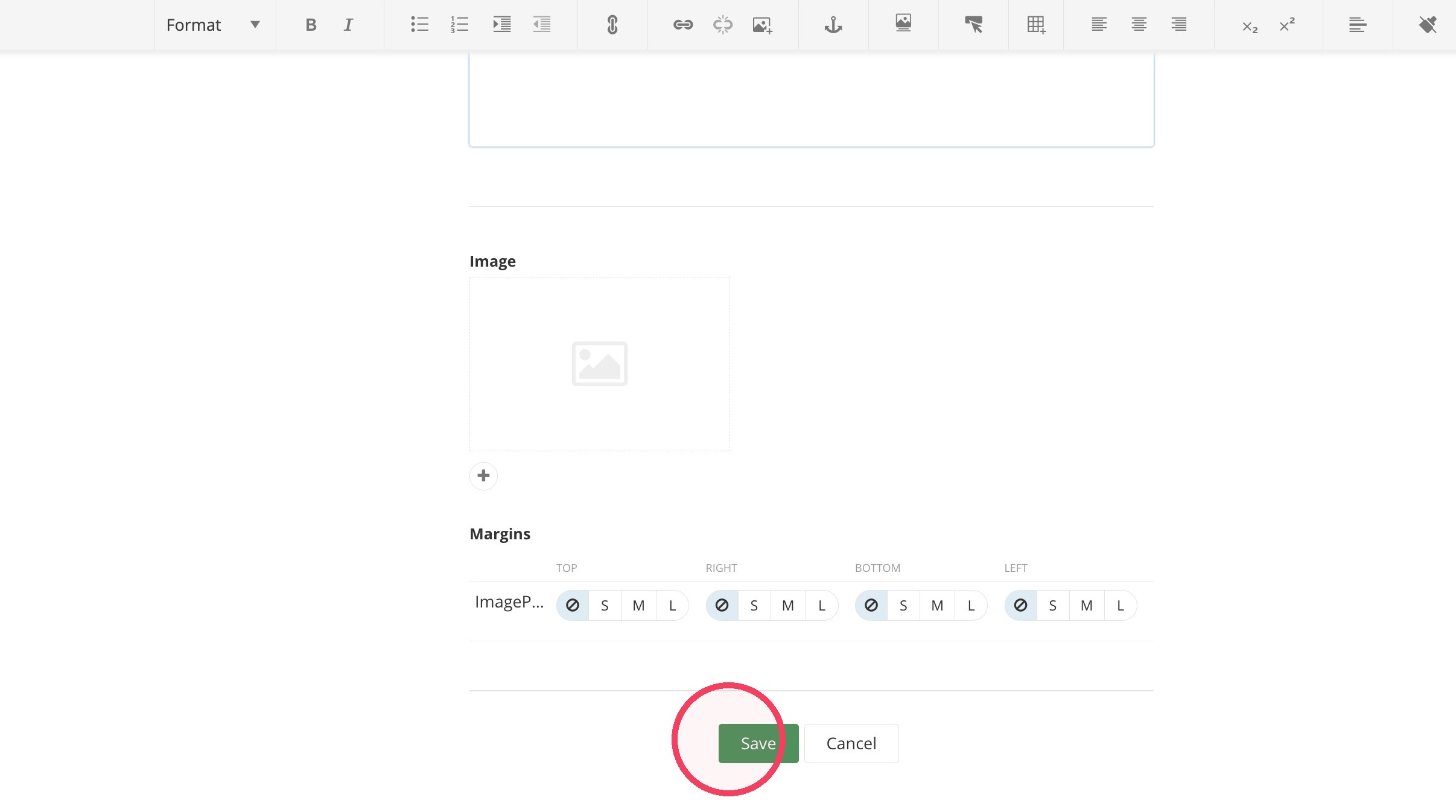
7. If you would like to add a background image, click on the + under the Image field. Your image should be 700x467 pixels.
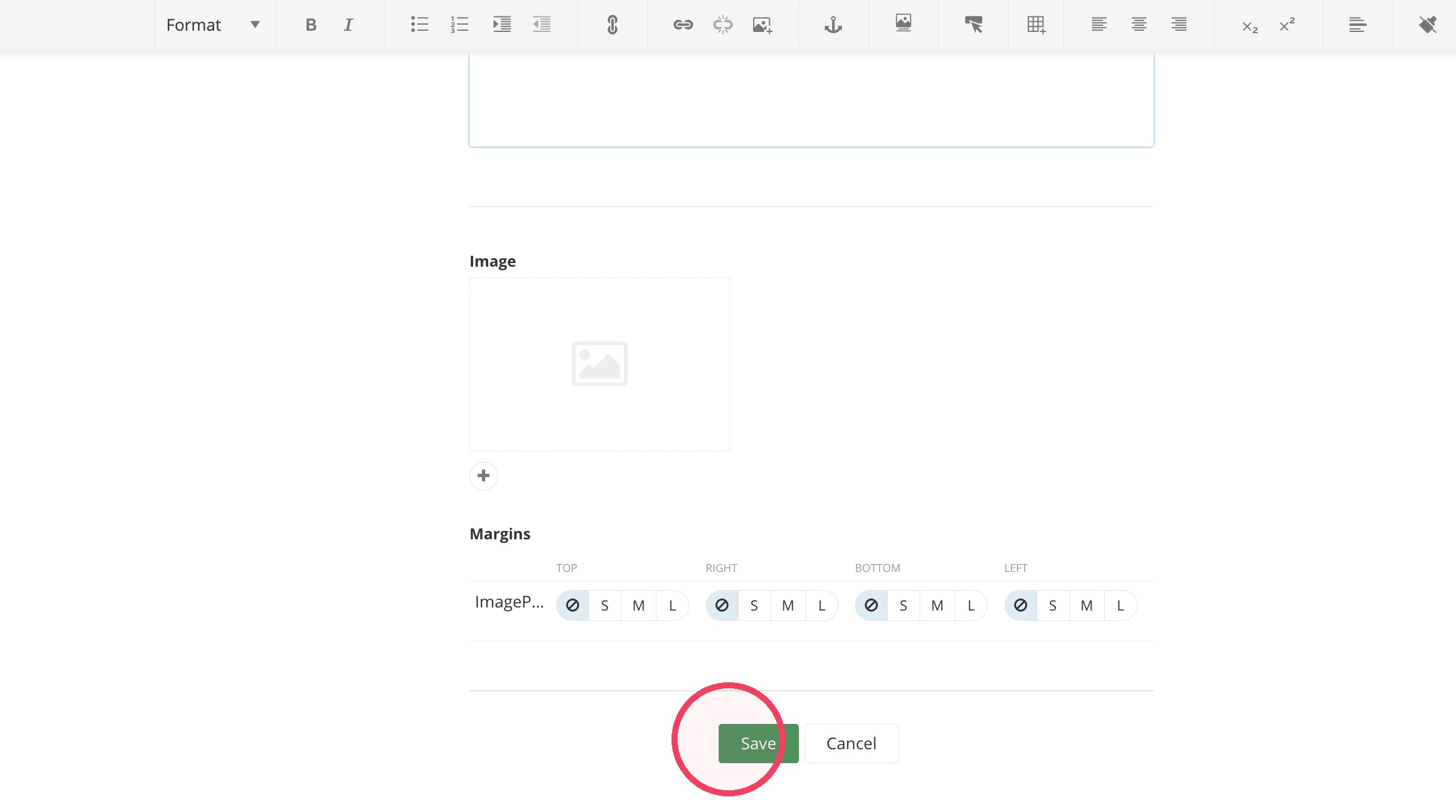
8. Once you've updated the widget to your liking, click "Save."
Save and send
- If you'd like to continue working on this page, but need to save your progress, click Save as Draft.
- If you're finished making changes to the page, and the page is ready for review, click Send for Approval.
