Now through October 31, we're waiving application fees for all freshman and transfer applicants!
*Common app code: Central27
Proof Points Card
For use in the main area of containers.
The Proof Points Card widget is a simple way to add credibility and visual interest to your page. Use it to call out quick facts, numbers, or milestones that show results, like graduation rates, years of experience, or number of student organizations.
Save and send
- If you'd like to continue working on this page but need to save your progress, click Save as Draft.
- If you're finished making changes to the page and the page is ready for review, click Send for Approval.

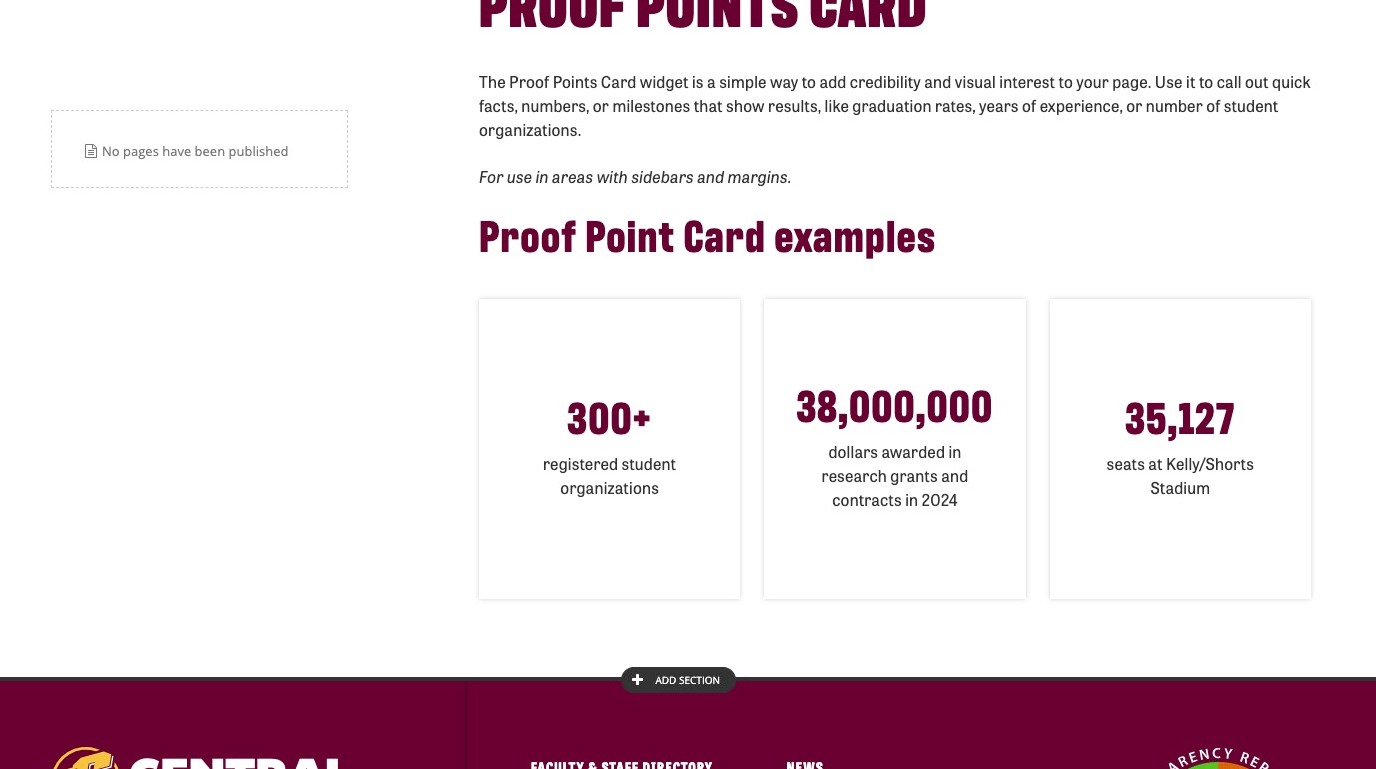
Proof Point Card example
300+
registered student organizations
38,000,000
dollars awarded in research grants and contracts in 2024
35,127
seats at Kelly/Shorts Stadium
Visual demo
Widget standards
- No layout is needed for this widget
- This widget must be in a section
Do:
- Use 1 to 3 columns of Proof Point Card widgets.
Do NOT:
- Use more than 3 Proof Point Cards in a section.
- Stack Proof Point Card widgets directly on top of one another.
Written instructions
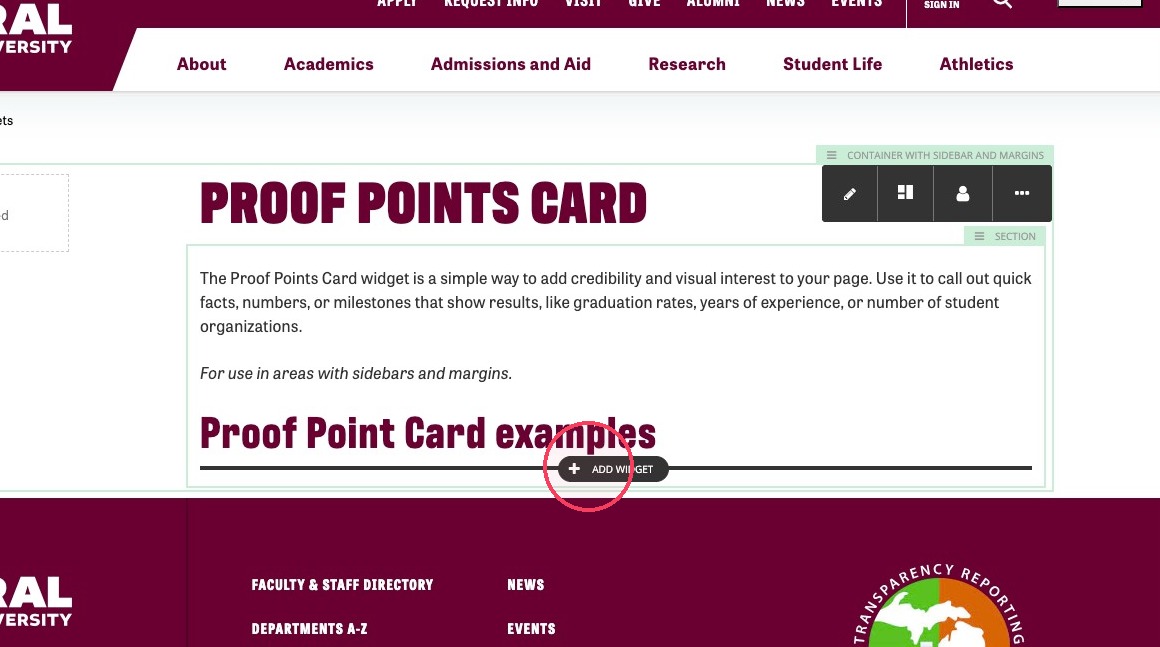
2. In the section click + Add Widget.
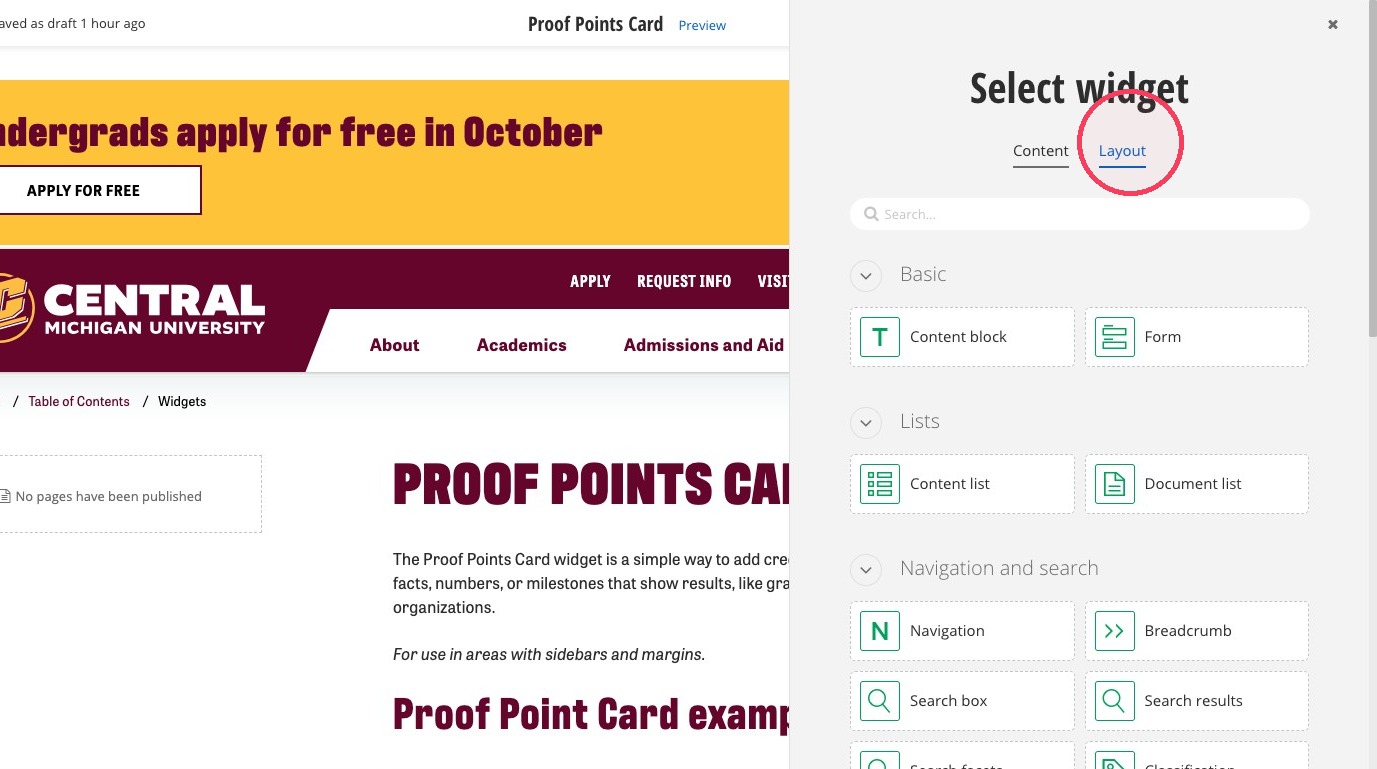
3. Click Layout.
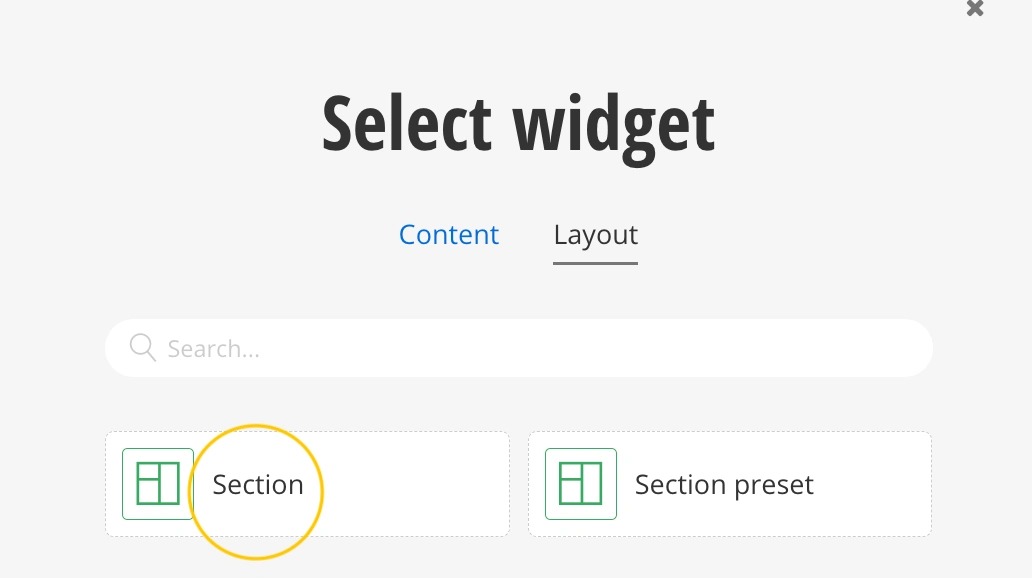
4. Click Section.
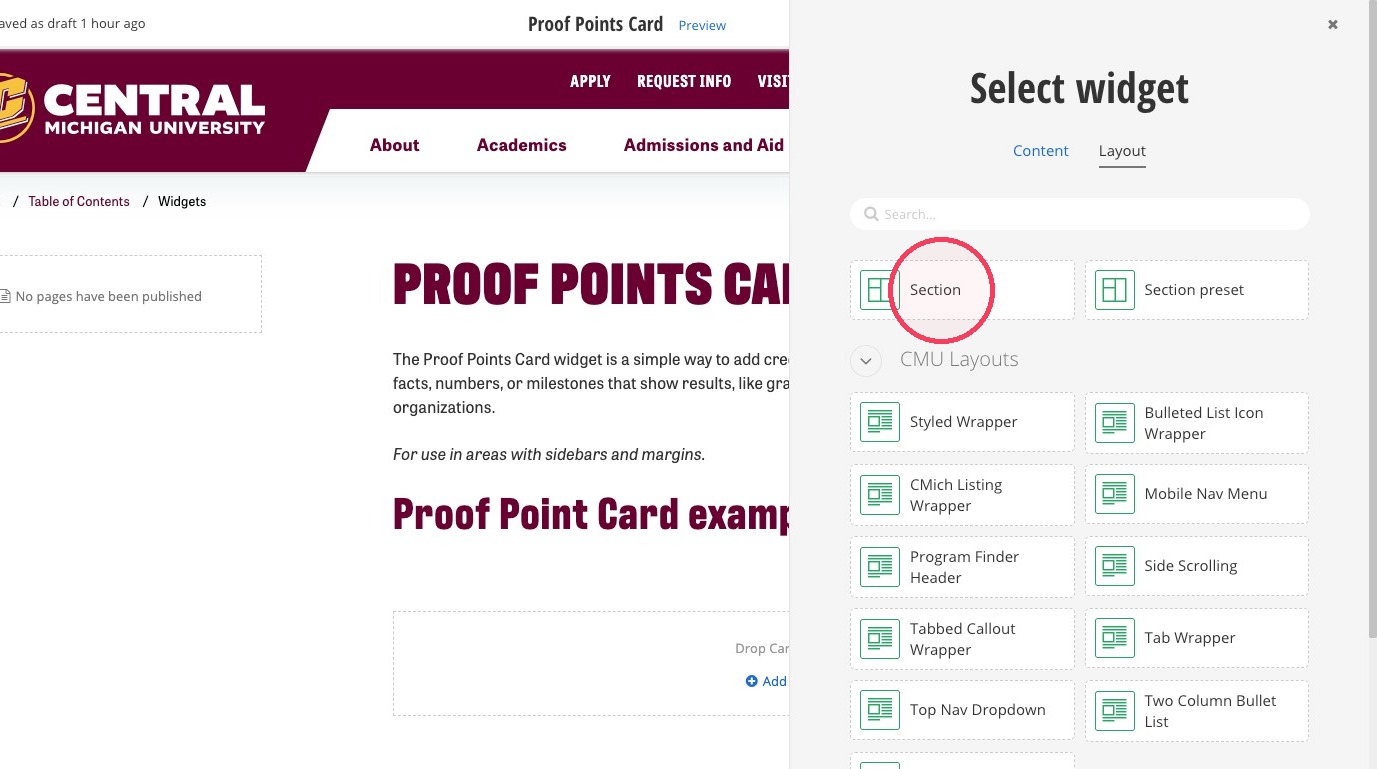
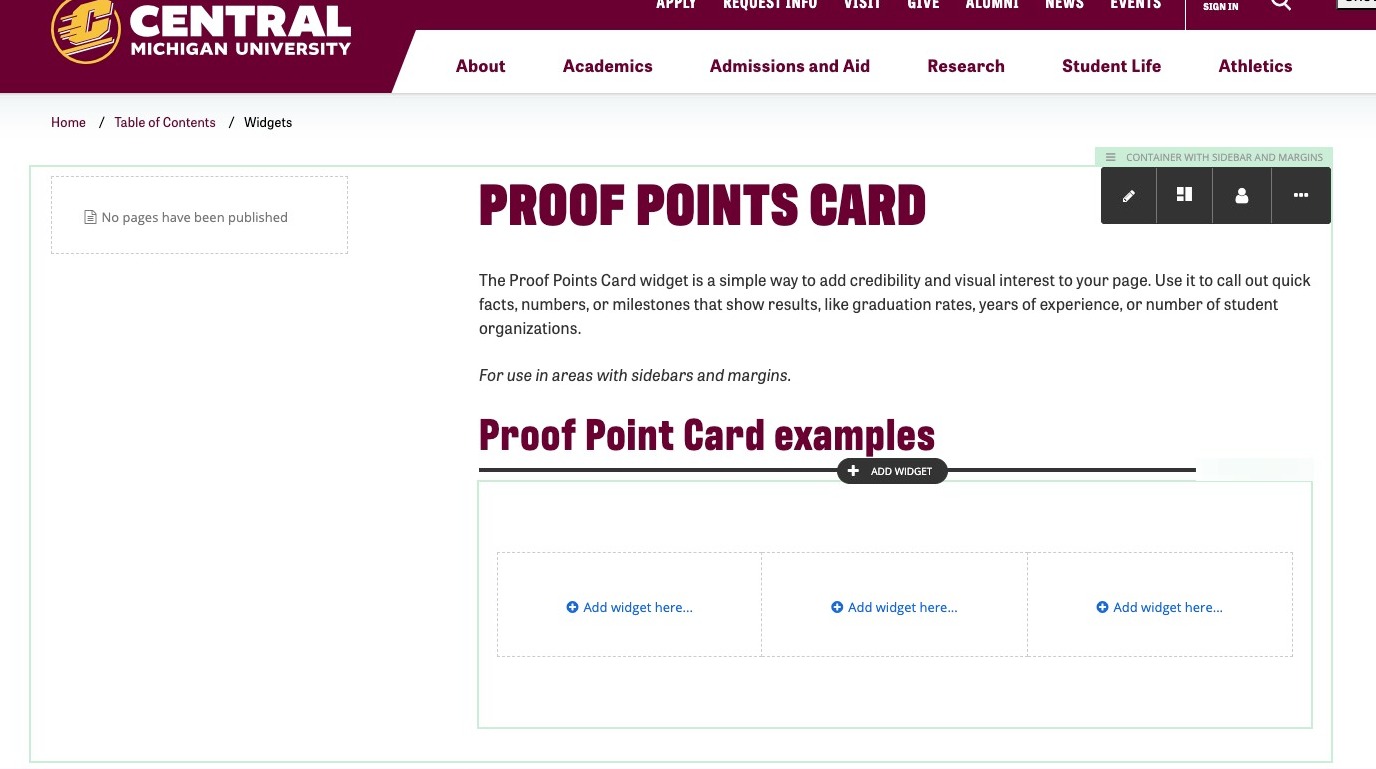
5. Optional: Depending on how many columns of Proof Point Card widgets you're using, click the newly-created section's top-right corner...
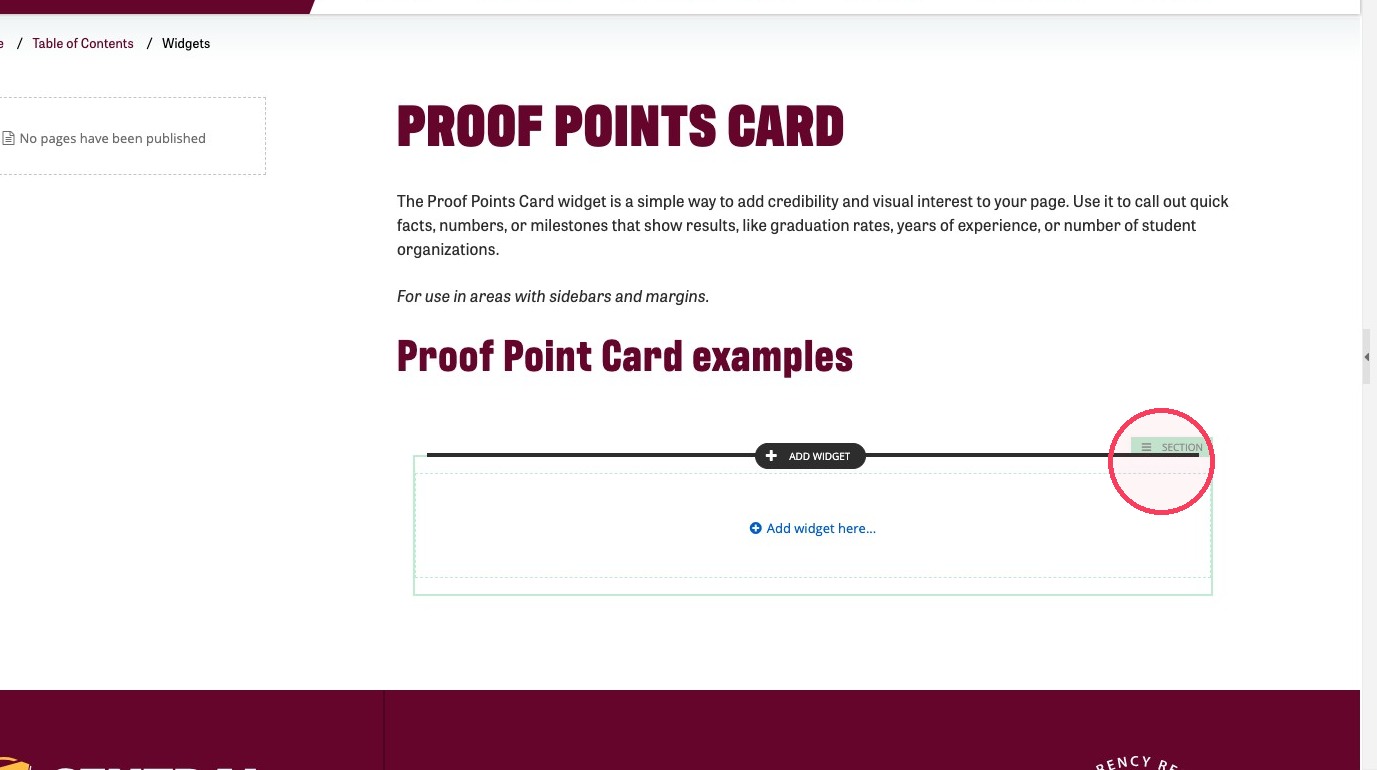
6. then click the columns icon...
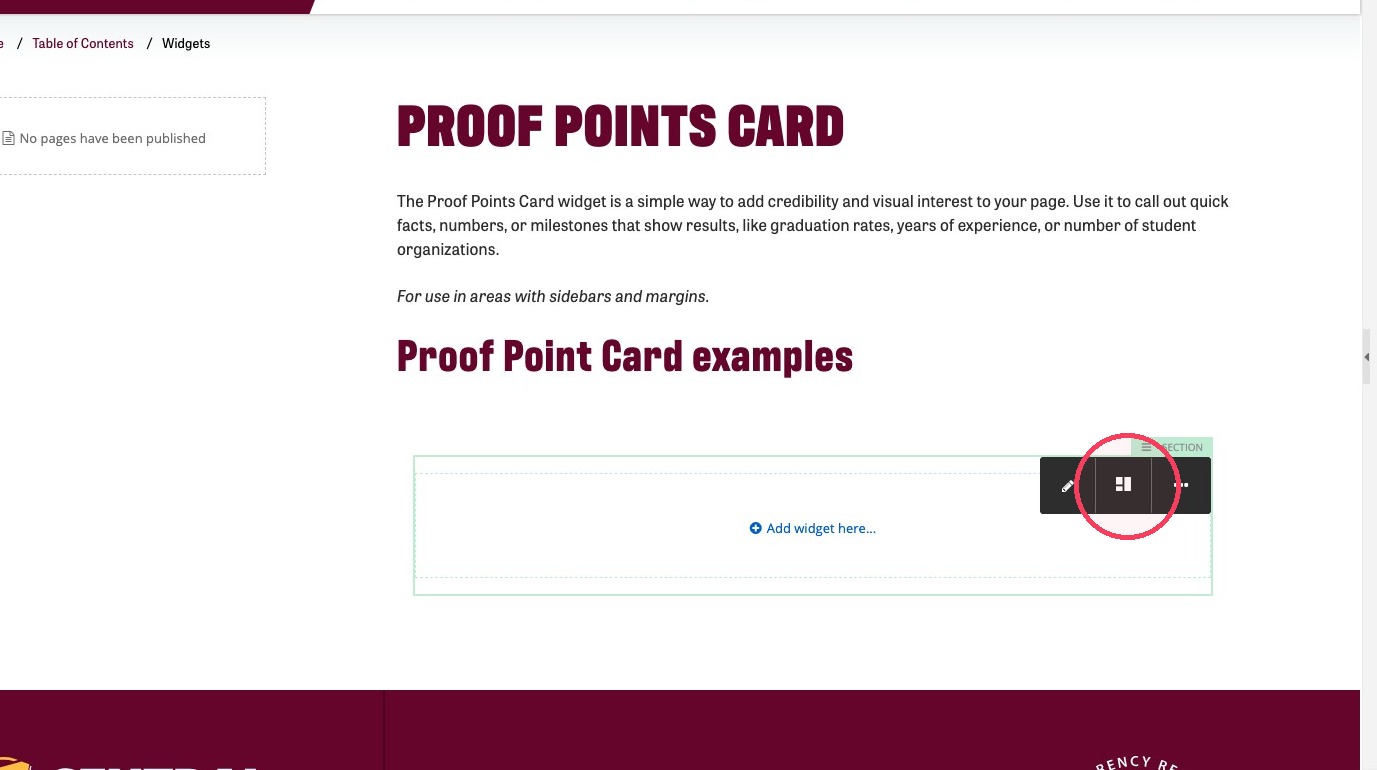
7. ... and determine how many columns you'd like.
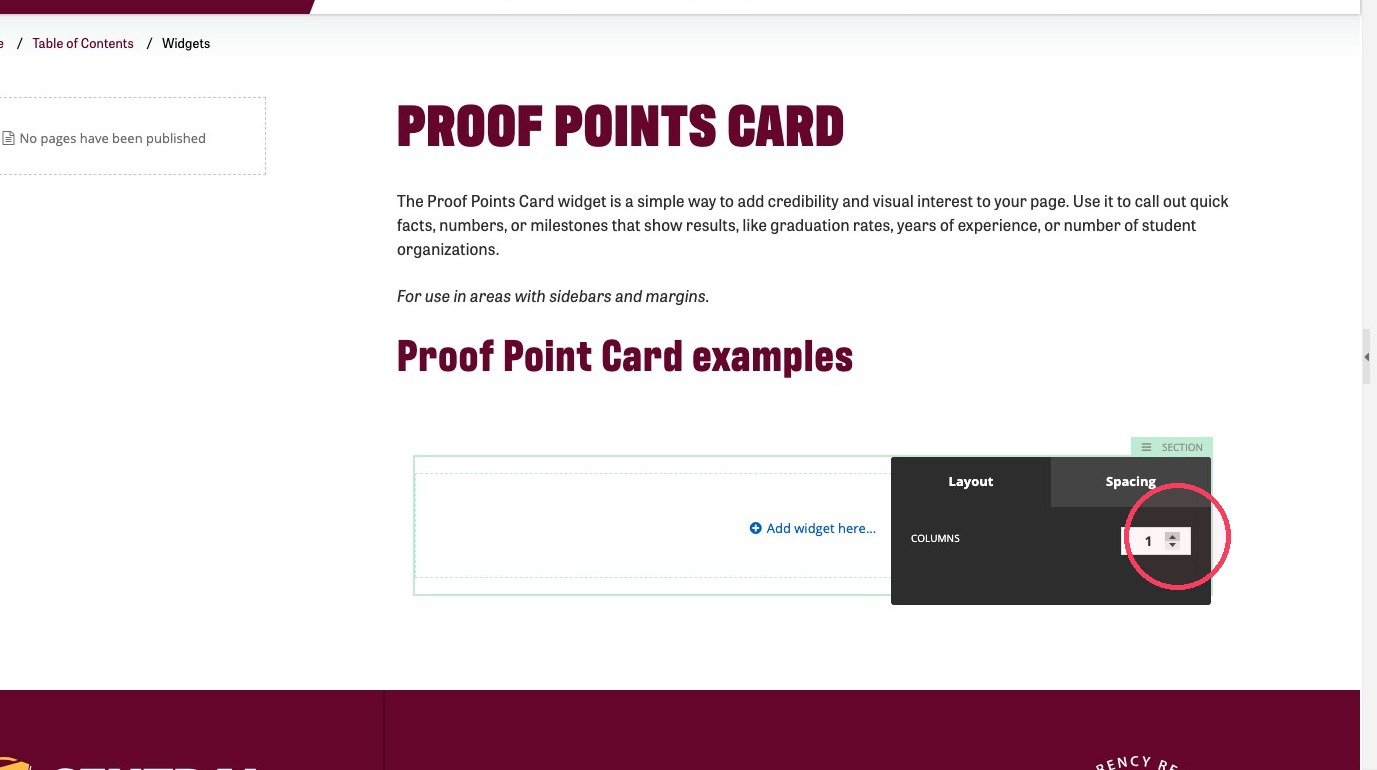
8. In this example, we've created three columns for this Proof Point Card section.
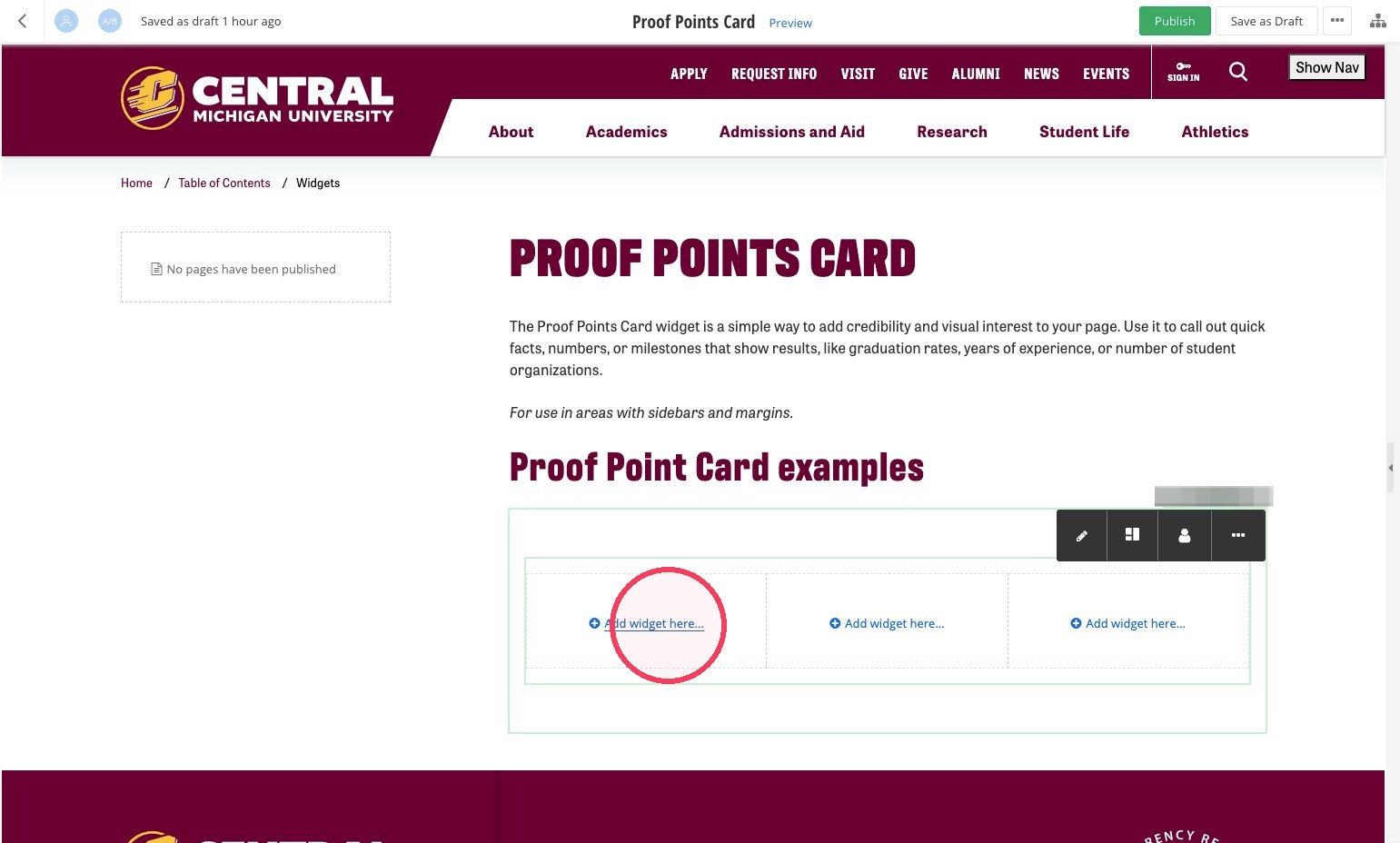
9. Click + Add widget here...
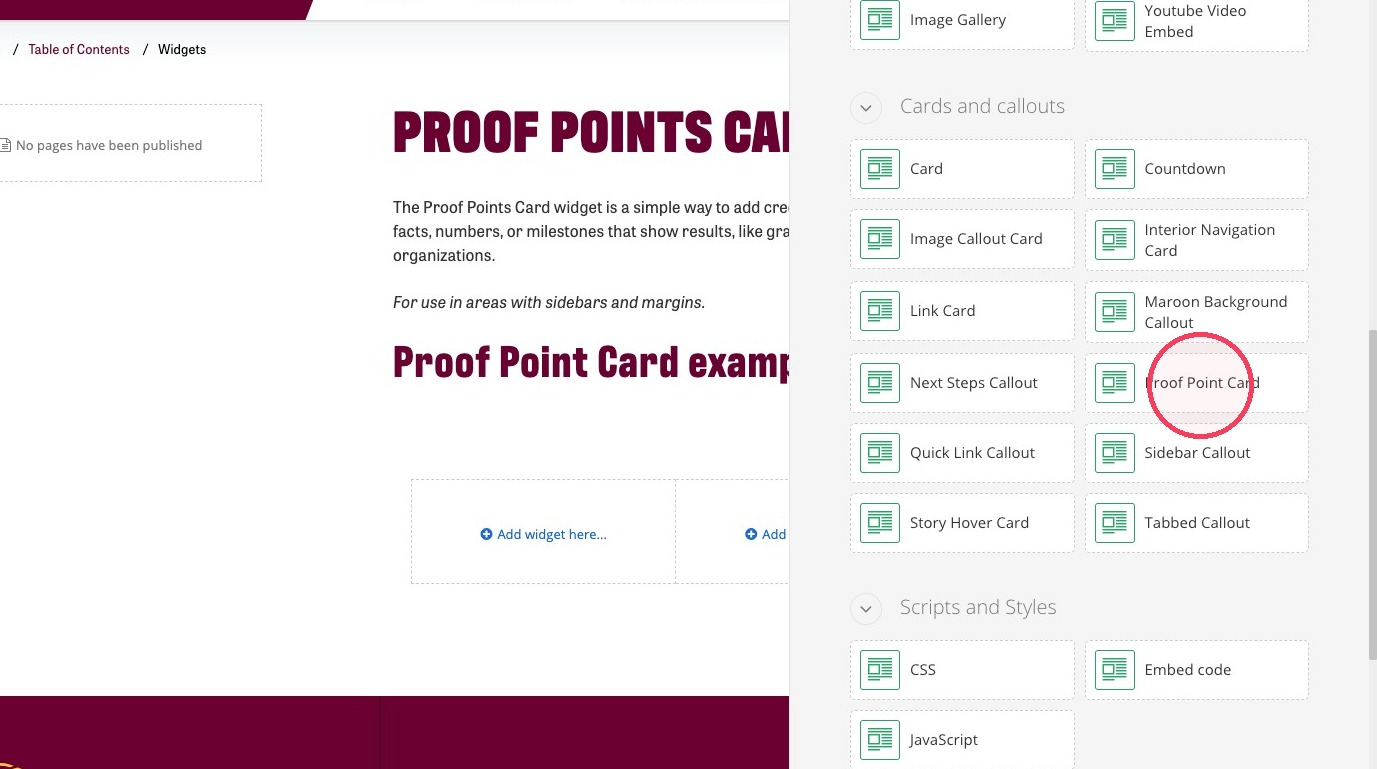
10. Click Proof Point Card.
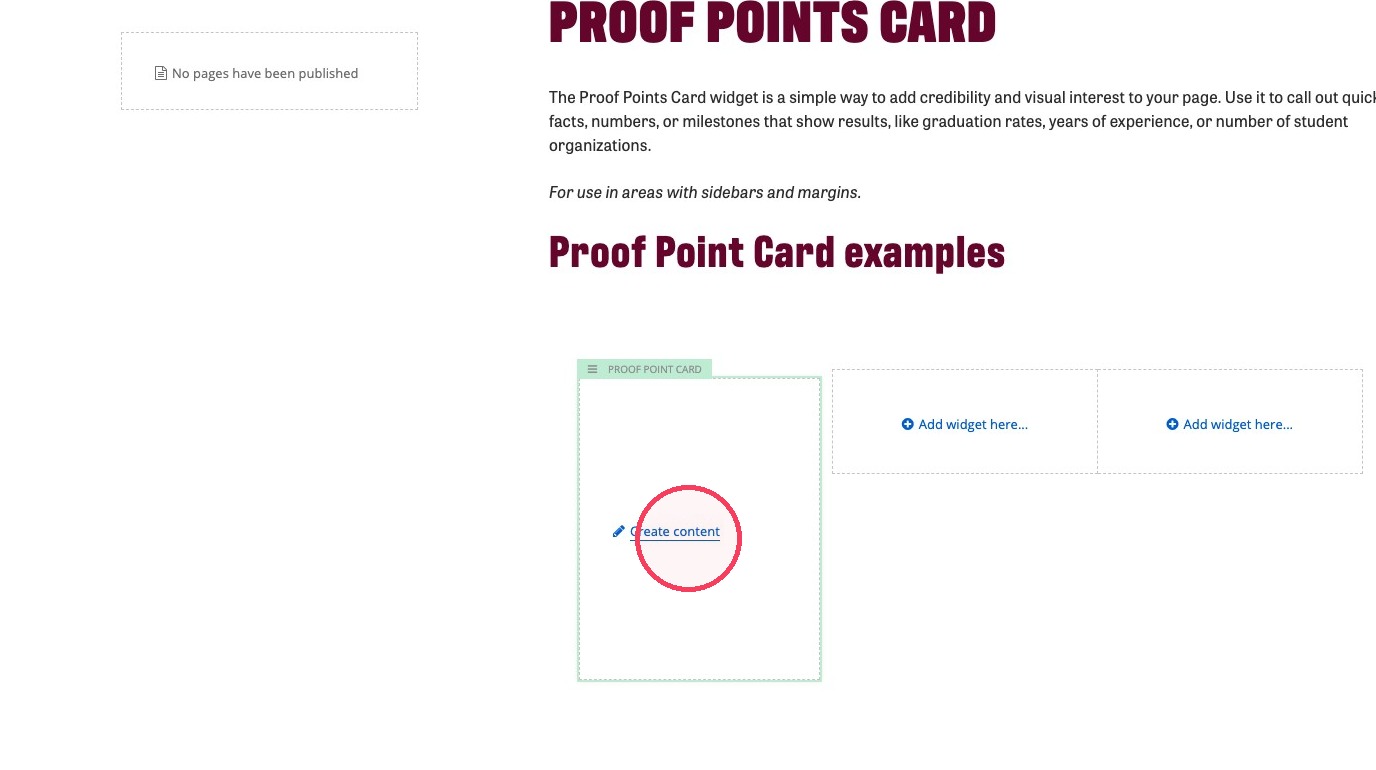
11. Click Create content.
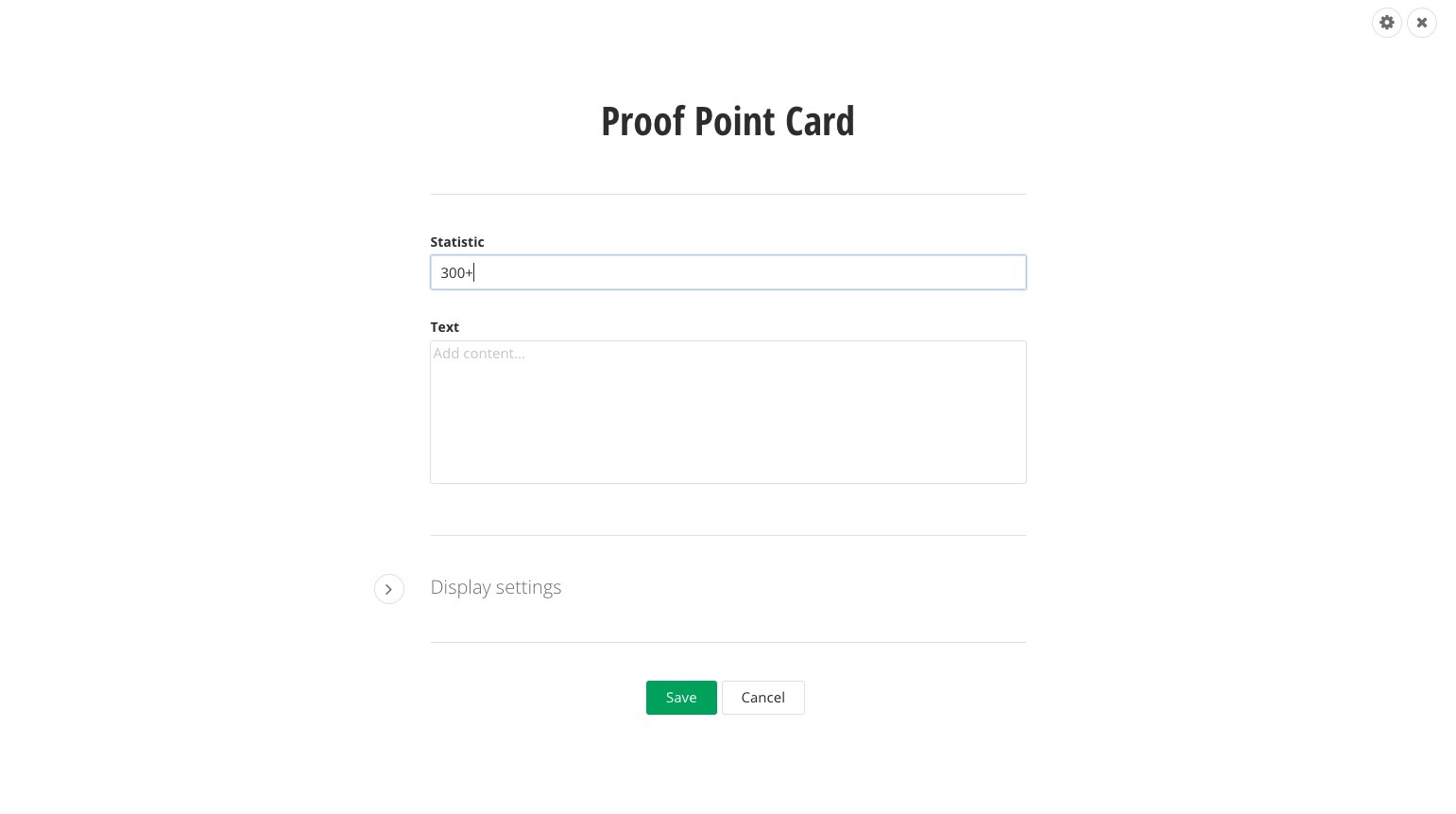
12. Fill out the Statistic field with your number statistic.
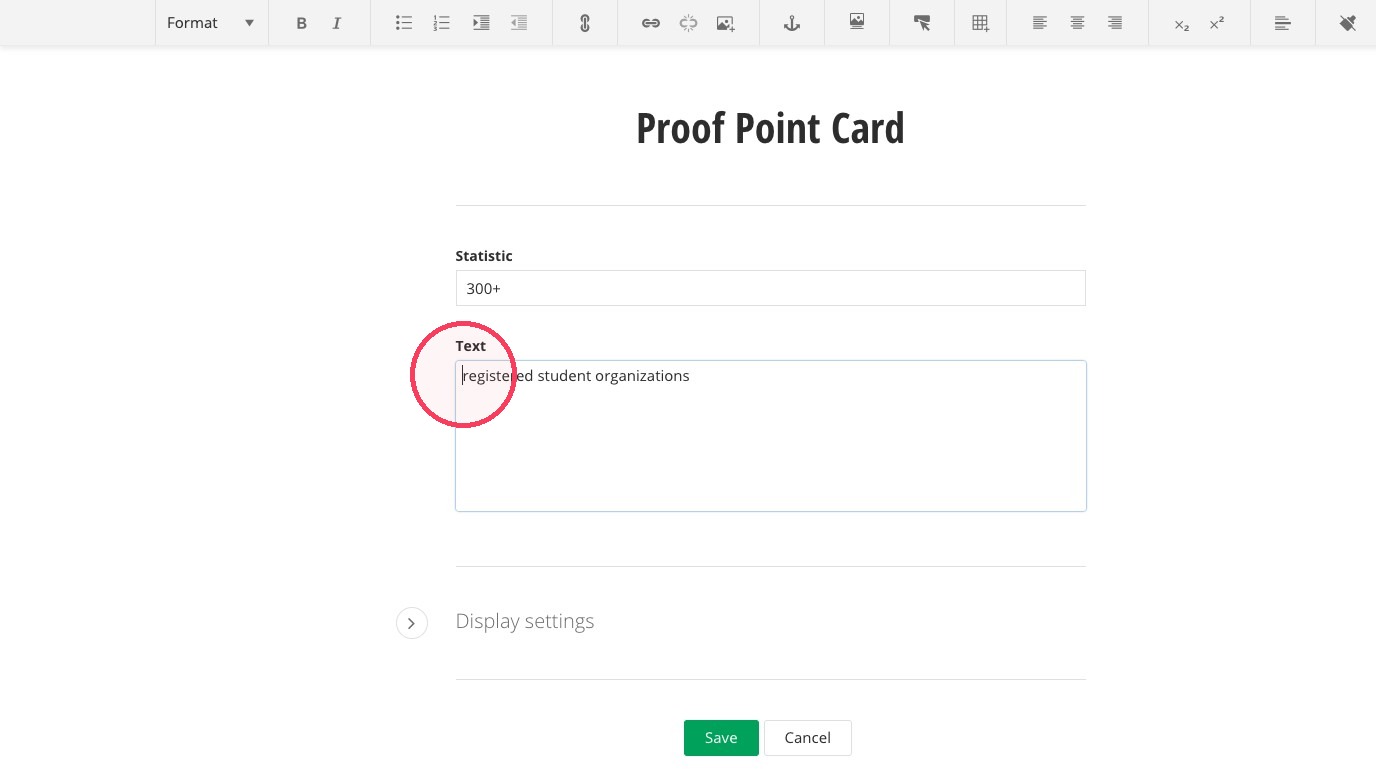
13. Fill out the Text field to give more context to your number.
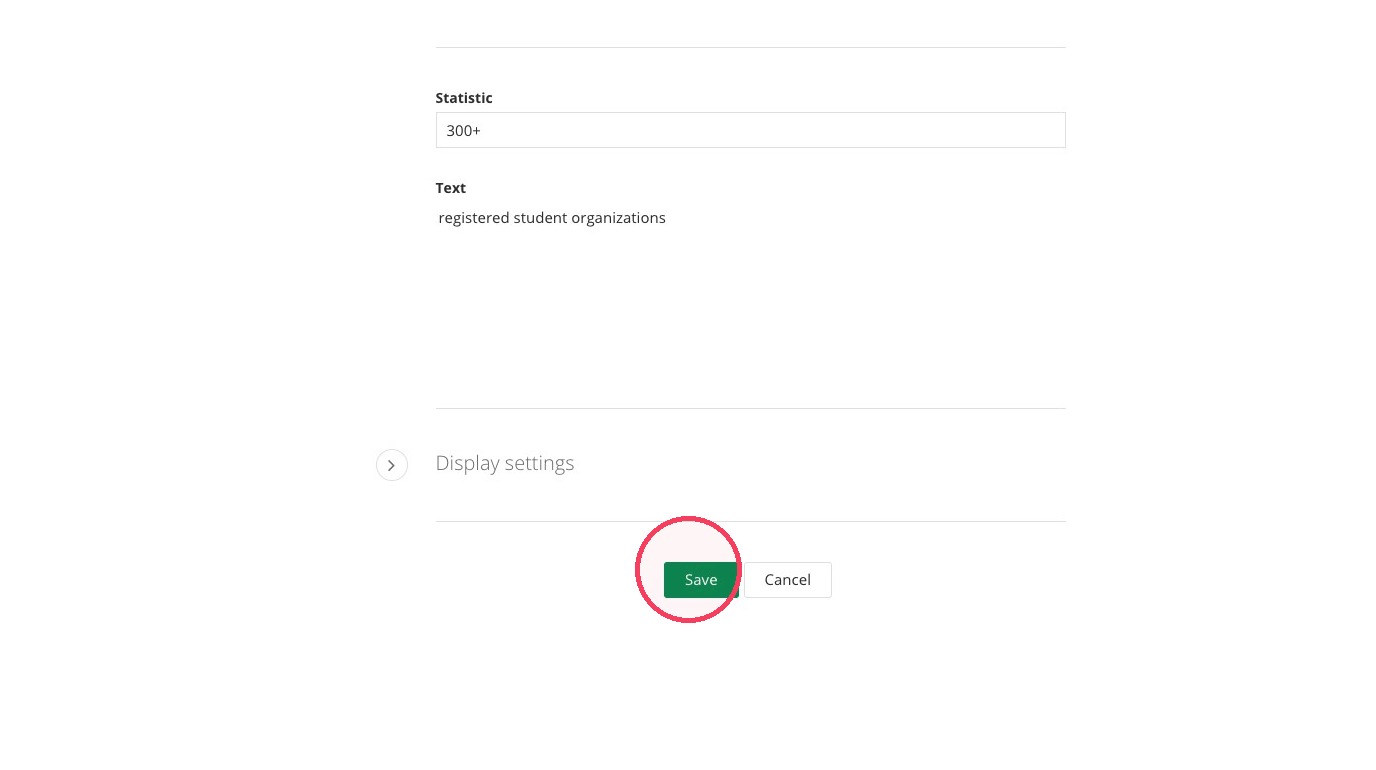
14. Click "Save".
15. Repeat the steps depending on how many Proof Point Card widgets you're looking to add.