Now through October 31, we're waiving application fees for all freshman and transfer applicants!
*Common app code: Central27
YouTube Video Embed
For use in the main area of containers.
Add a YouTube video to your page using the YouTube Video Embed widget. A short video can highlight your program, show campus life or bring events to life.
YouTube Video Embed example
Visual demo
Widget standards
- This widget must be in a section.
Do:
- Use the embed link from YouTube.
- Limit videos to two per page, separated by text.
Do NOT:
- Stack YouTube Video Embed widgets on top of each other.
Written instructions
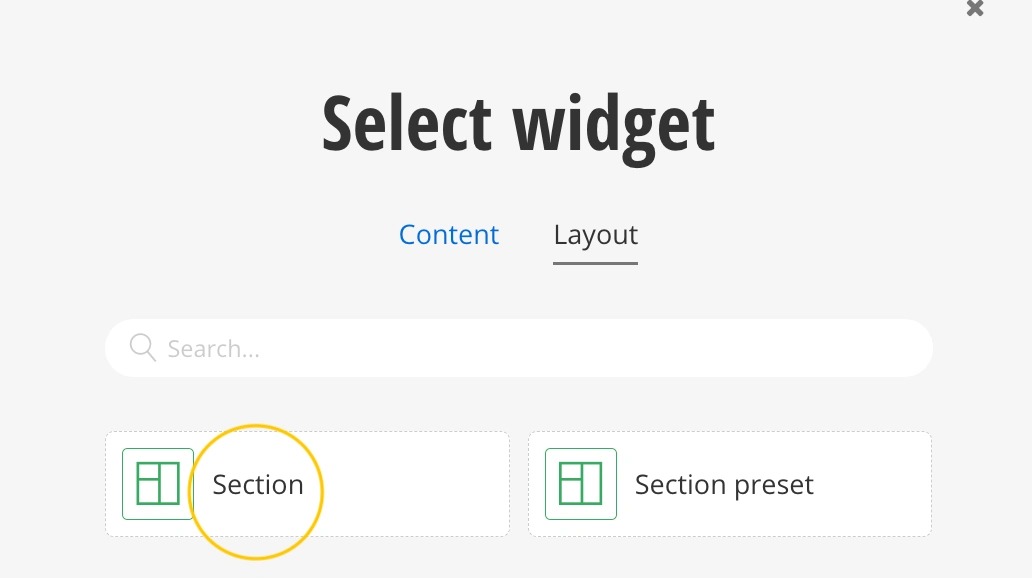
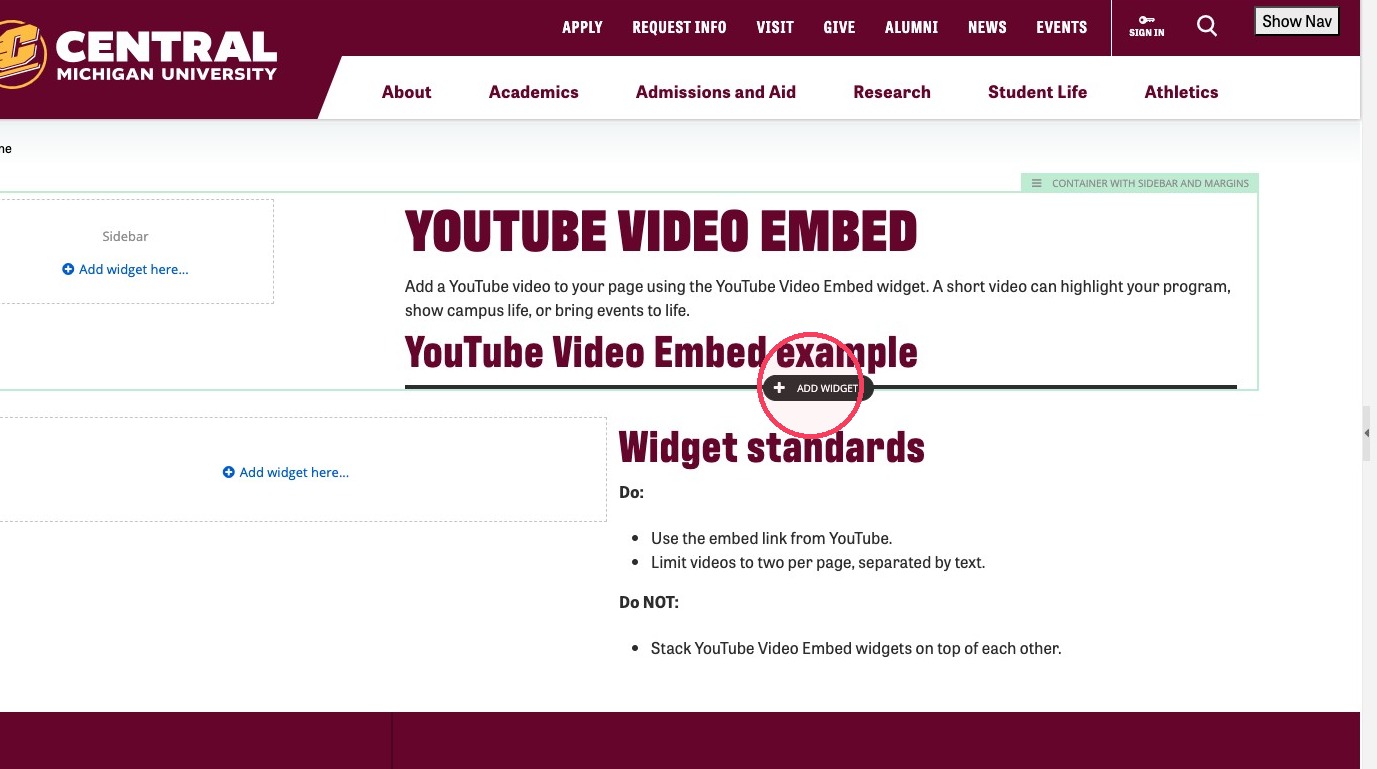
2. Inside the section click + Add Widget.
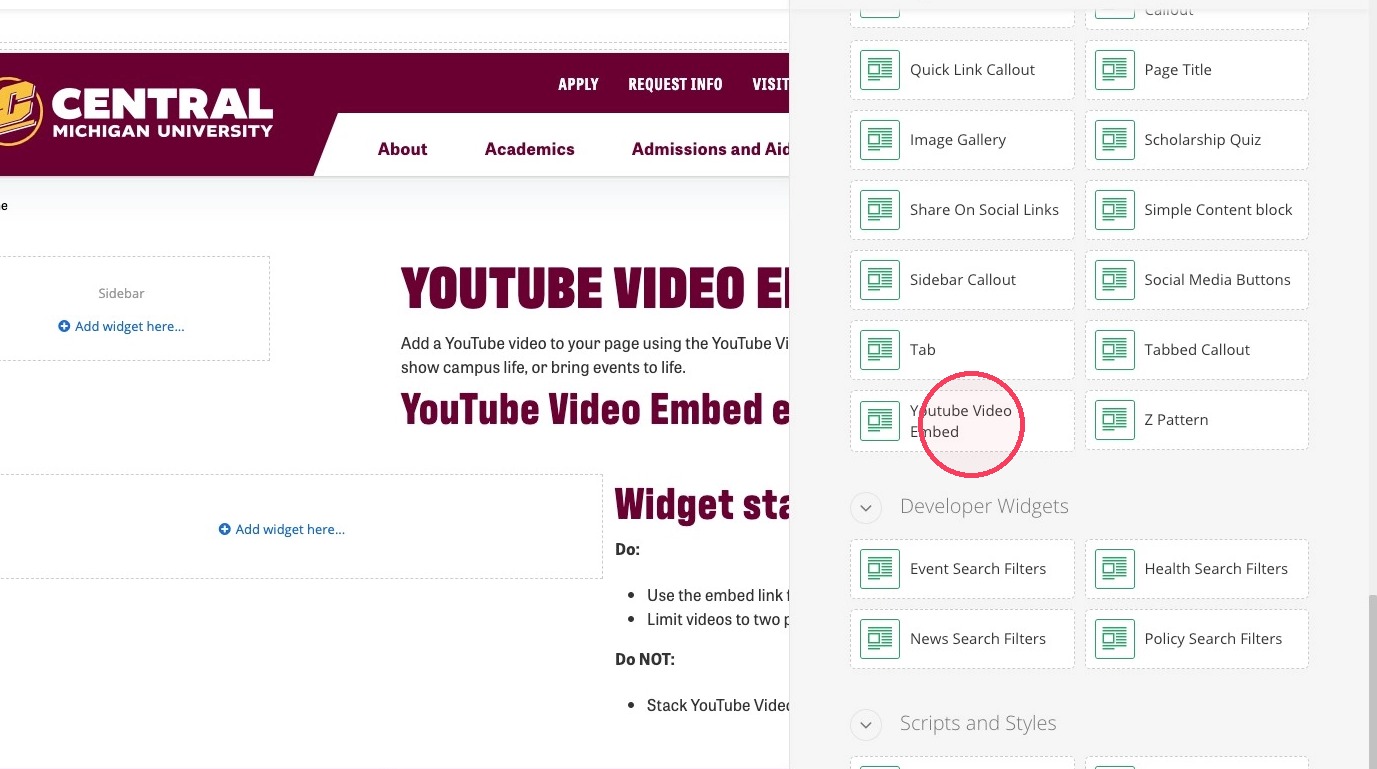
3. Click YouTube Video Embed.
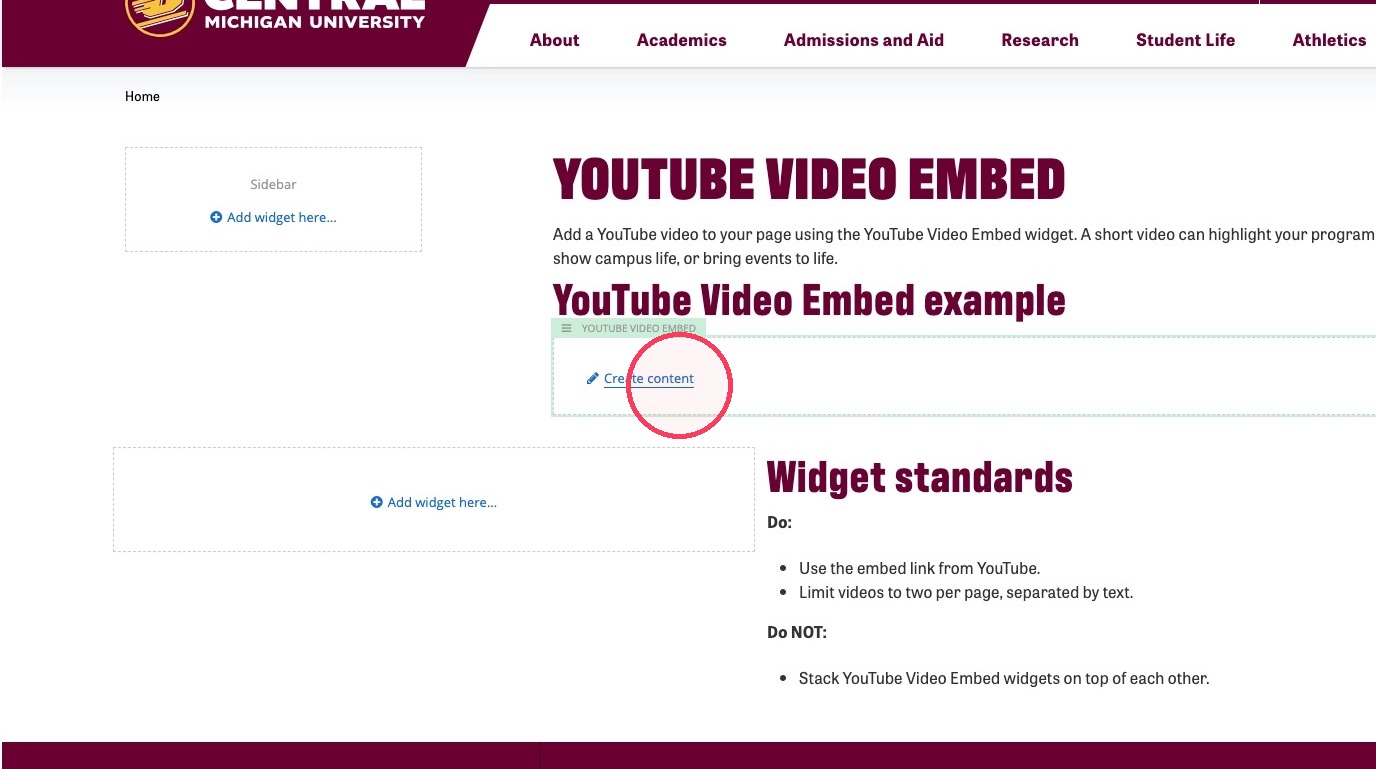
4. Click Create content.
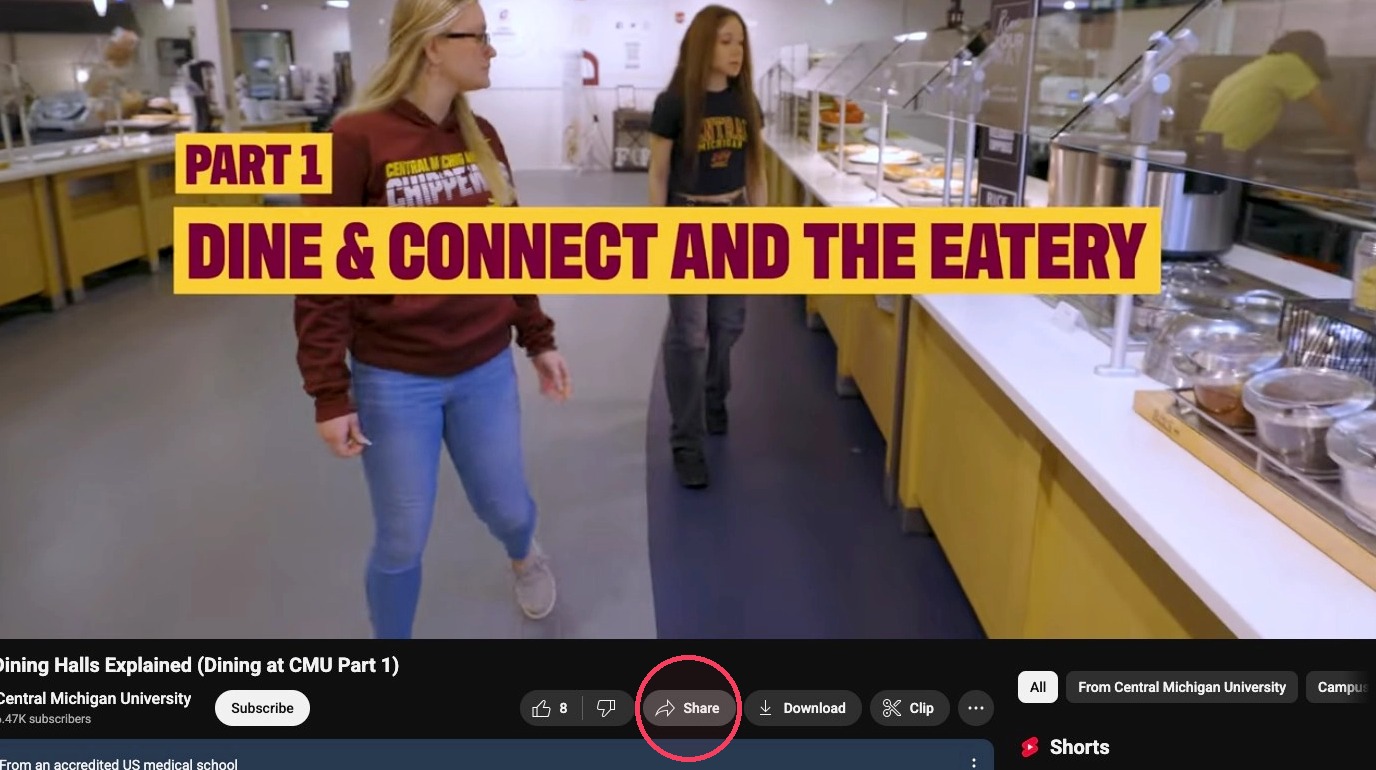
5. Click Share on the YouTube video you plan on embedding.
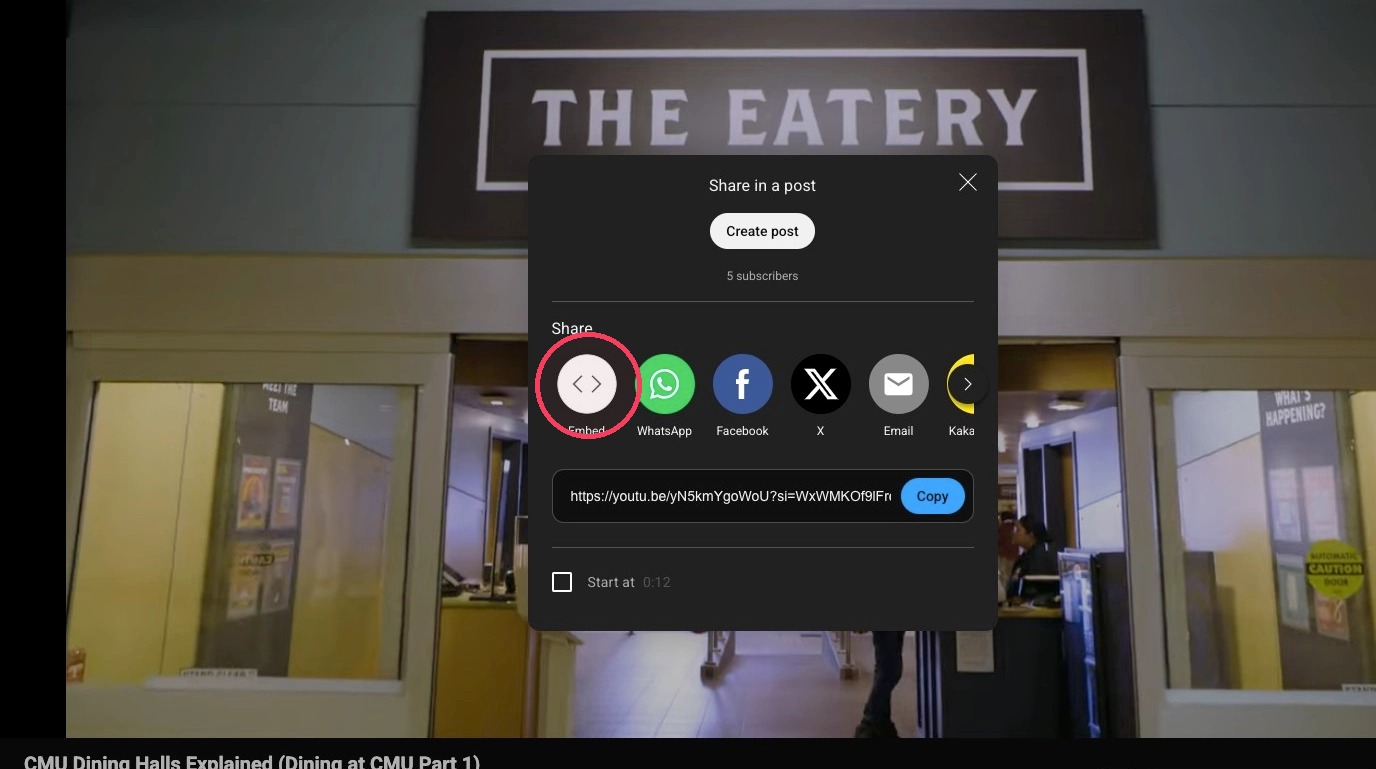
6. Click Embed.
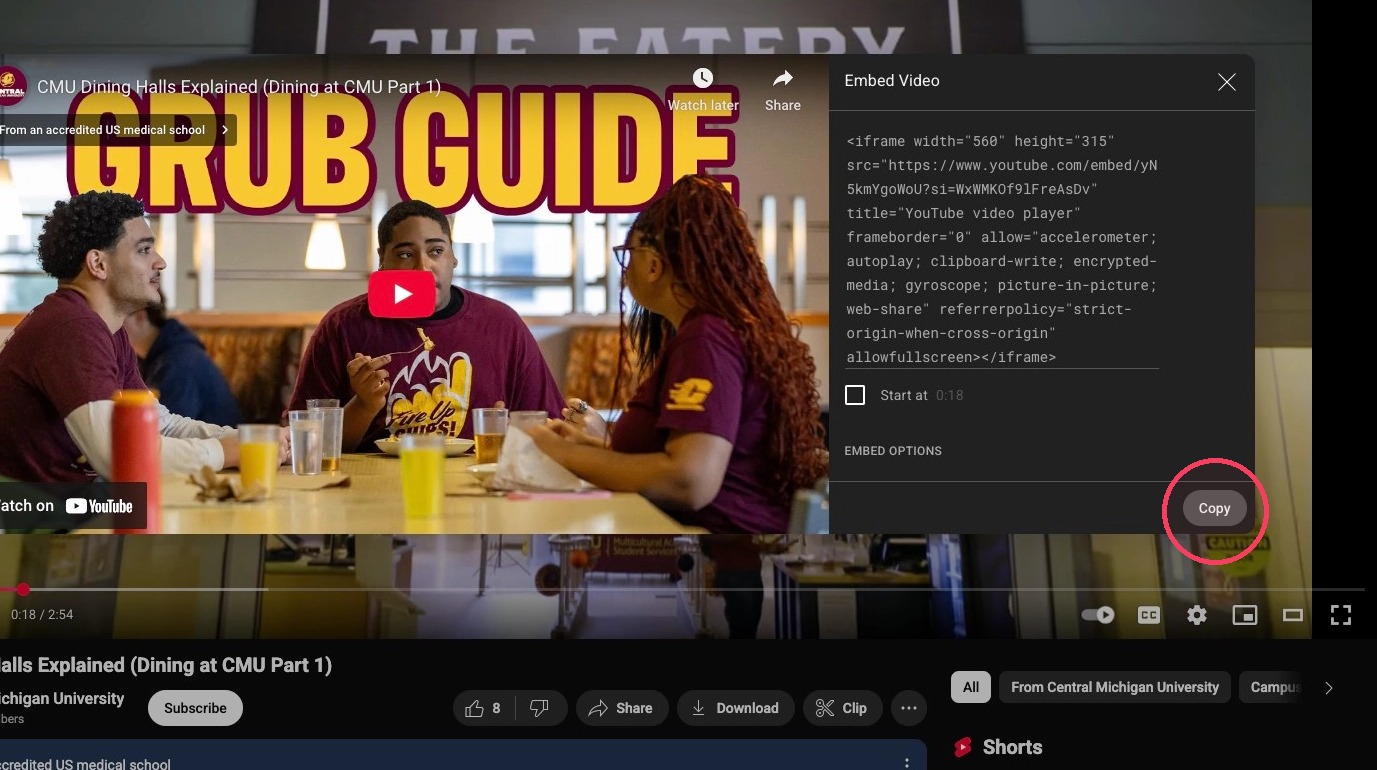
7. Click Copy.
8. Fill in the "Video Title" field in Sitefinity.
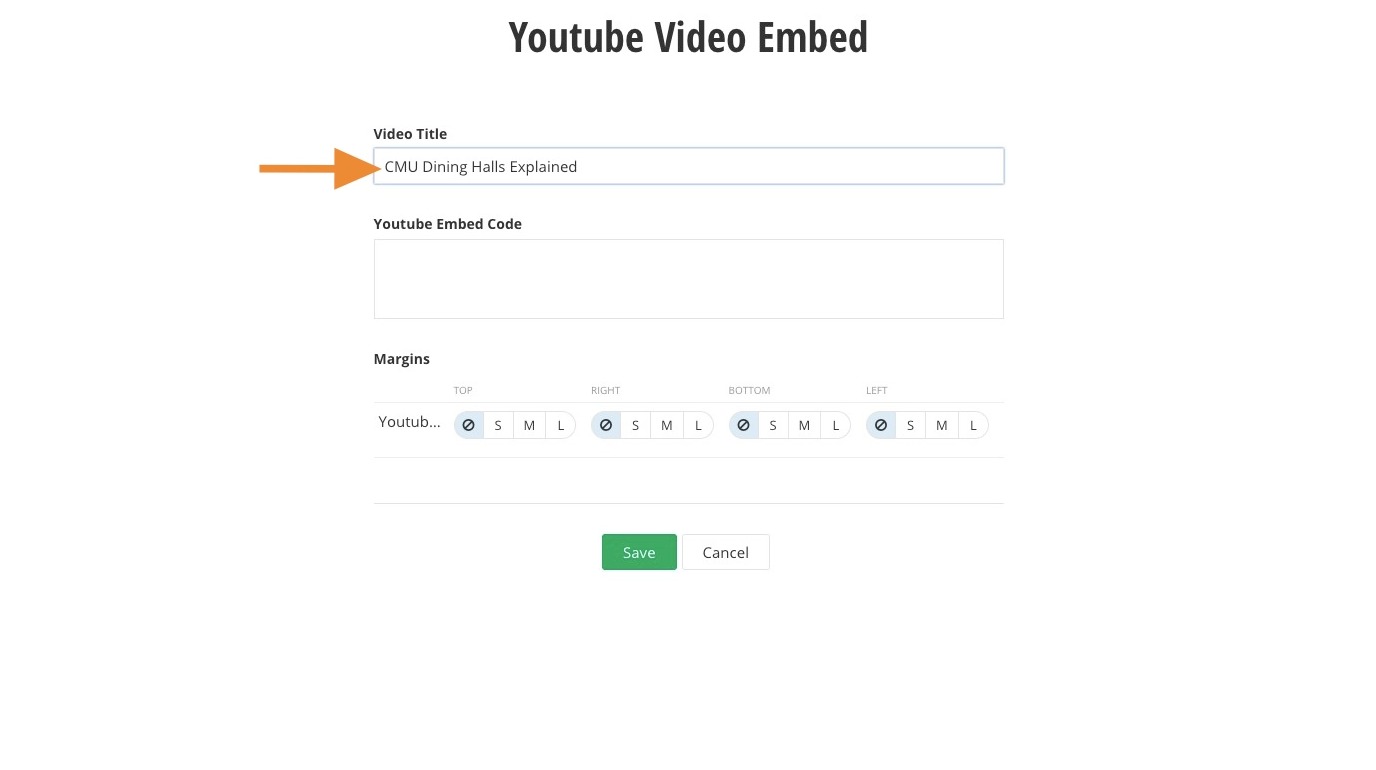
9. Paste the YouTube video embed code into the "YouTube Embed Code" field.
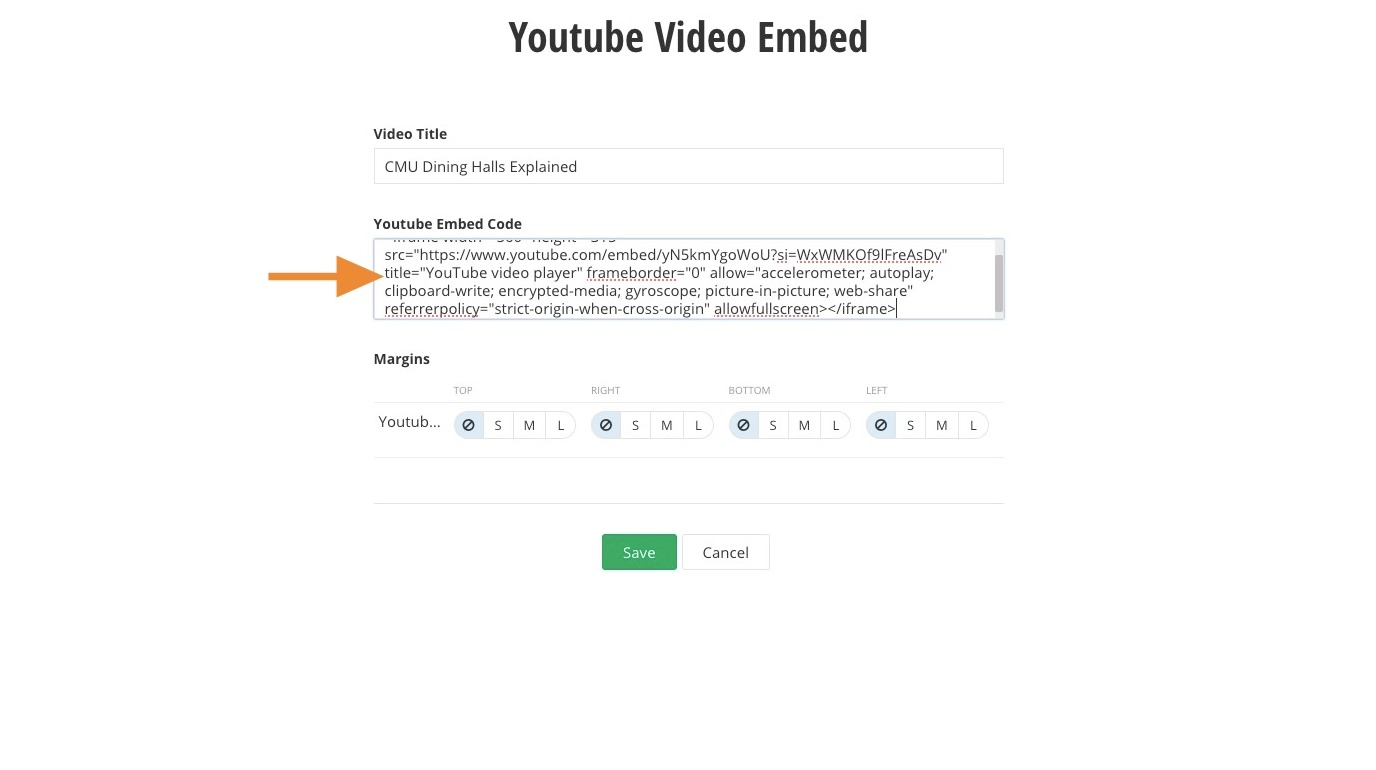
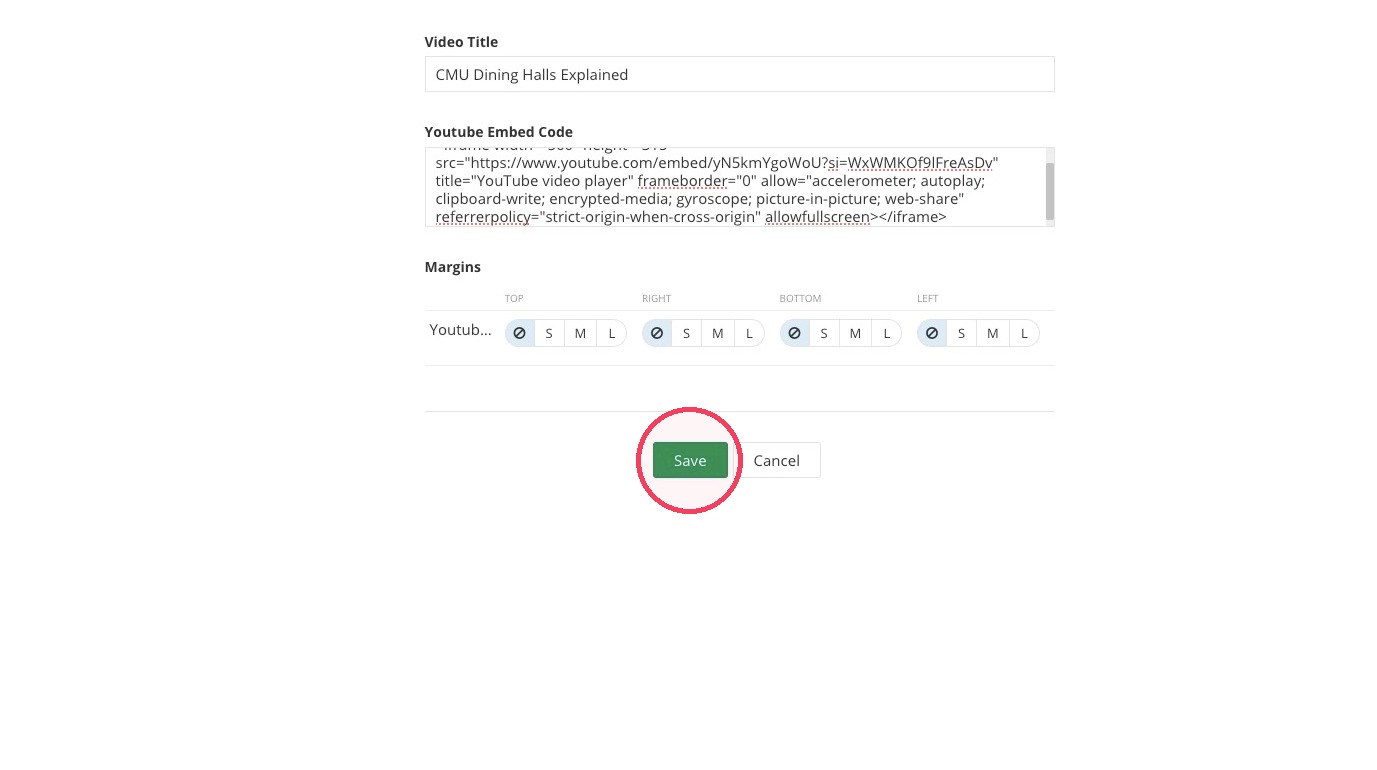
10. Click Save.
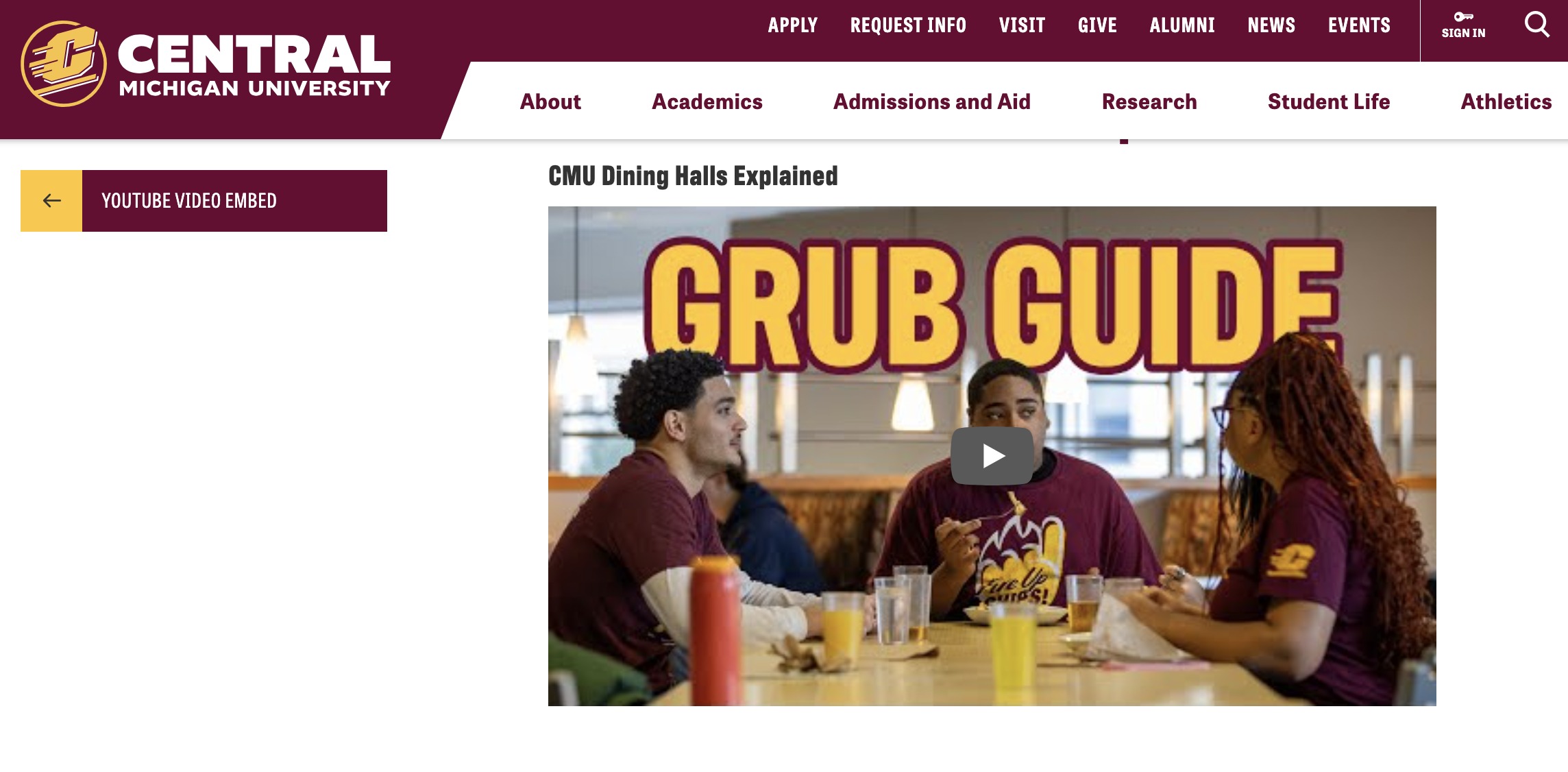
11. Now you've added the YouTube Embed widget to your page.
Save and send
- If you'd like to continue working on this page, but need to save your progress, click Save as Draft.
- If you're finished making changes to the page, and the page is ready for review, click Send for Approval.
