Breadcrumb
Breadcrumbs belong at the very top of the main content area, above all other content.
The breadcrumb widget is designed to help users navigate back to previous pages.

Visual demo
Standards
Do:
- Use the breadcrumb widget at the very top of the main content area
Do NOT:
- Put the breadcrumb inside a section
- Put the breadcrumb anywhere else on the page but the very top of the main content area
Where to use:
- Main college home page, under the hero widget
- Non-college department home pages, under the hero widget
Written instructions
1. Open your page in Sitefinity.
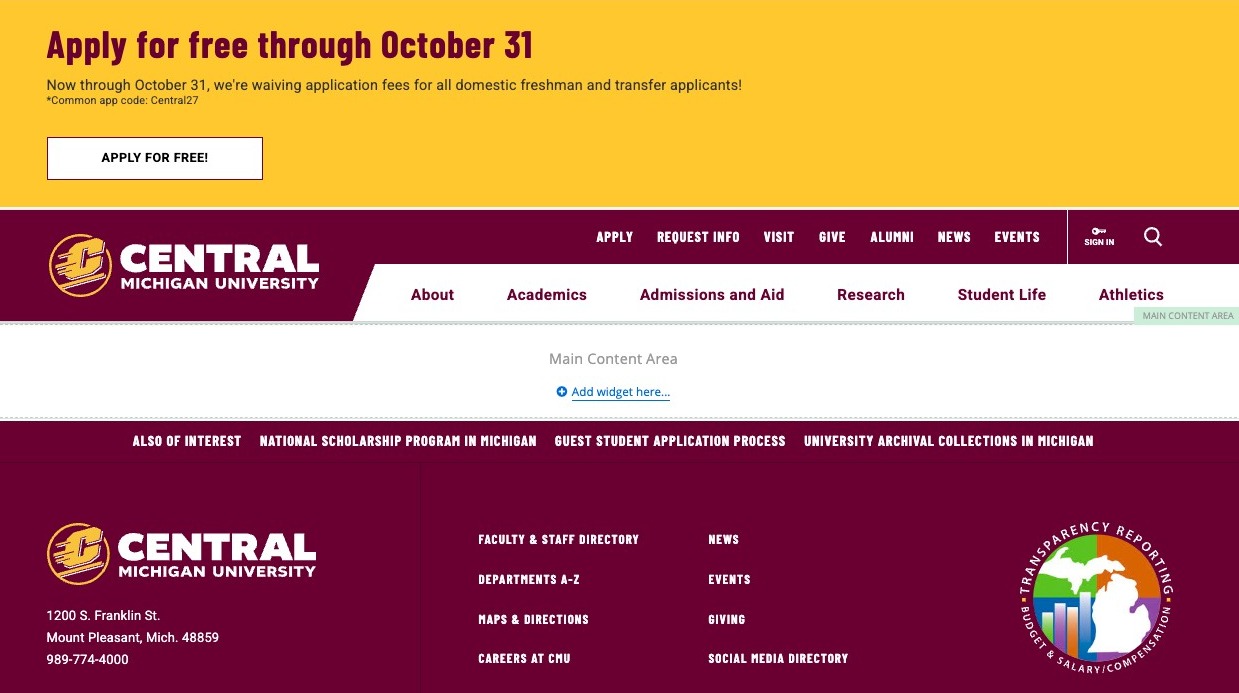
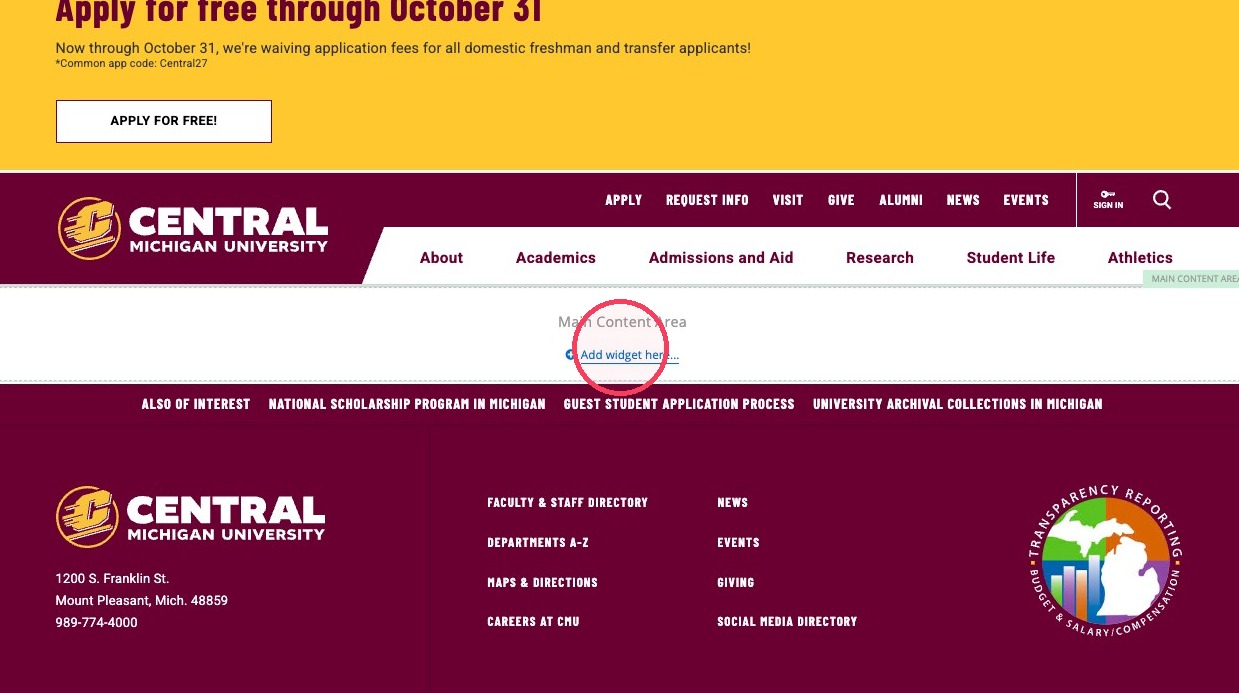
2. Click "Add widget here..." in the main content area.
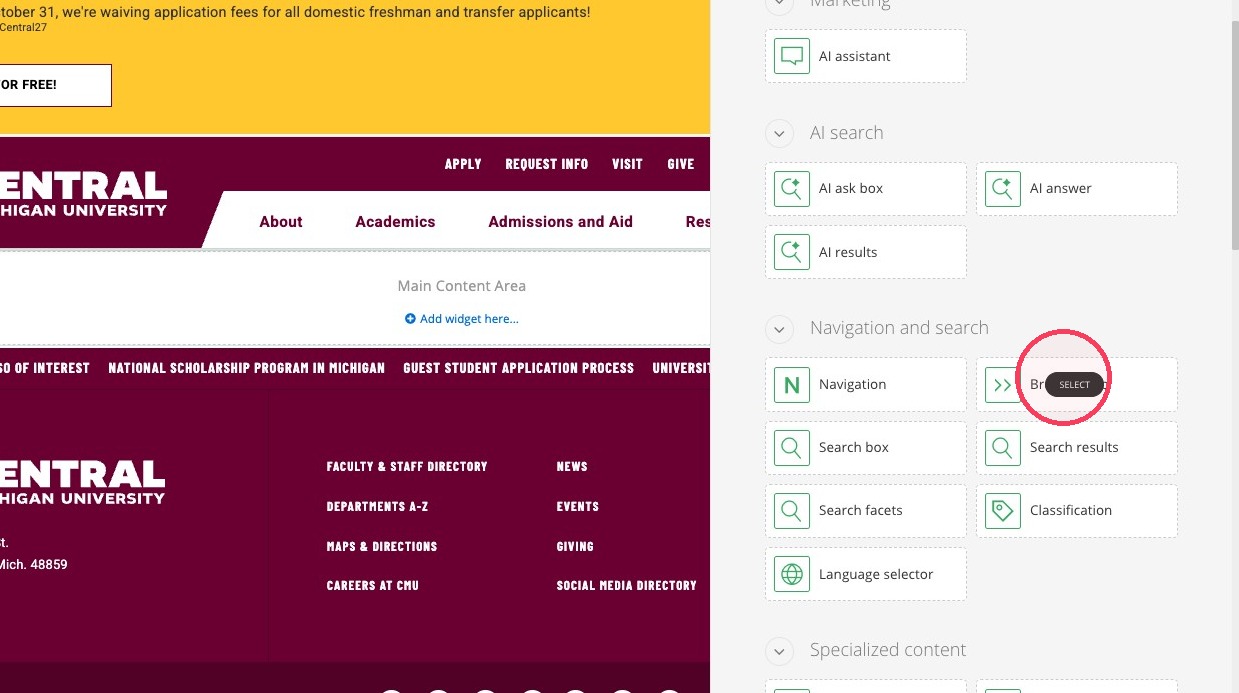
3. Click "Select" for the Breadcrumb widget to add it to your page.
Save and send
- If you'd like to continue working on this page, but need to save your progress, click Save as Draft.
- If you're finished making changes to the page, and the page is ready for review, click Send for Approval.
