Now through October 31, we're waiving application fees for all freshman and transfer applicants!
*Common app code: Central27
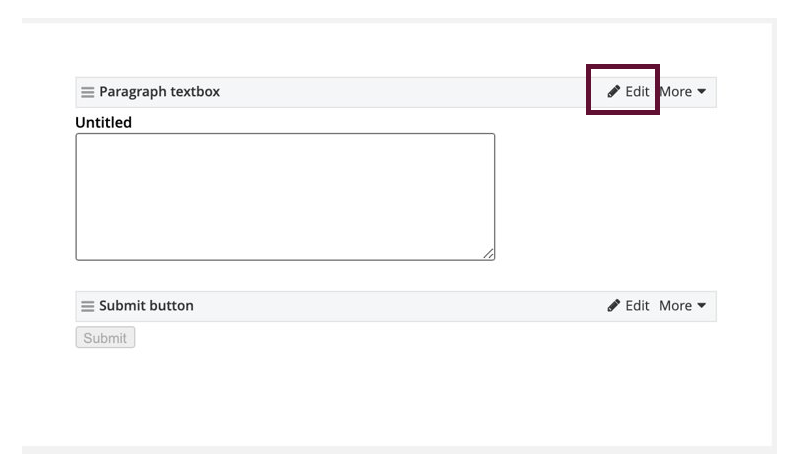
Paragraph Textbox
Use: Give your respondents an area for short answer questions.

Instructions
- Find the Paragraph Textbox widget.
- Drag and drop it into the body container.
- Click Edit.
- Enter your question in the Label field. This is separate from the Instructional Text field in step 6.
- The Label field should briefly describe what the user is typing into the text field. Keep the label as short as possible. Example: "Full Name"
- Optional: Fill in the Placeholder field with text that will appear in the textbox.
- To add instructions, click on "Add instructional text".
- The Instructional text field should act as the guide for what users should do. This can have more characters than the label. Example: "Please type your full name here."
- Optional: Require a response to this question by checking the Required field box.
- Save.